
layeris
2019, revived 2026Photoshop-style blend modes, adjustments and curves for Python.
A Python library for Photoshop-style image editing: 14 blend modes, tone and color adjustments, and curves on separate RGB channels. Every method returns the image, so an edit reads as one chained pipeline.
It began in 2019 as Layer.is and was rebuilt in 2026 with tests, a lookup table that makes edits about 20× faster, and a new documentation site.
Chained API
Load a photo, chain the edits, save. clone() branches an edit without reading the file again.
image = LayerImage.from_file("ginkgo.jpg")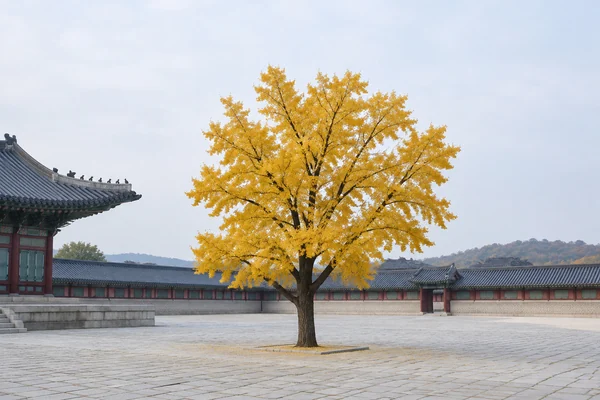
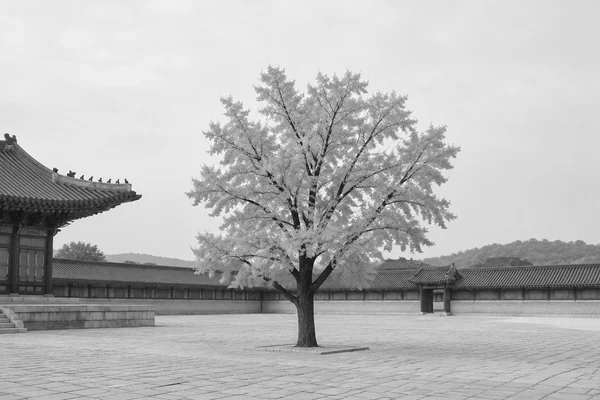
image.grayscale()
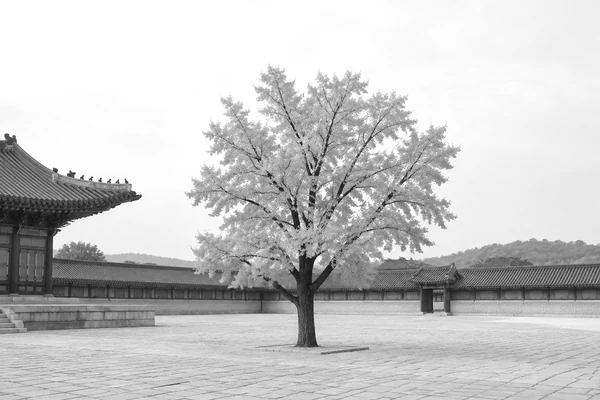
image.brightness(0.1)
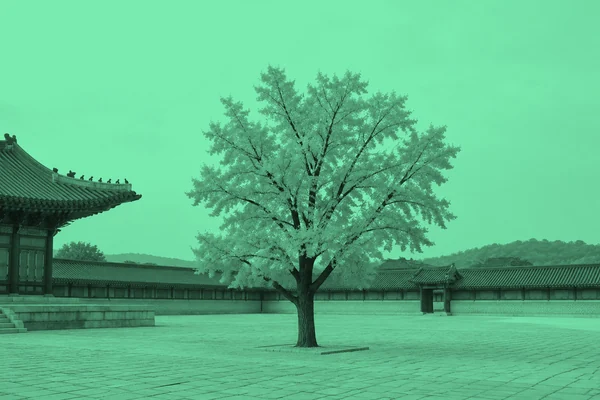
image.multiply("#3fe28f", opacity=0.7)
![ginkgo.jpg after: image.curve("rgb", [0, 0.1, 0.4, 0.65, 0.9, 1])](/media/layeris/gen/chain-ginkgo-4.webp)
image.curve("rgb", [0, 0.1, 0.4, 0.65, 0.9, 1])
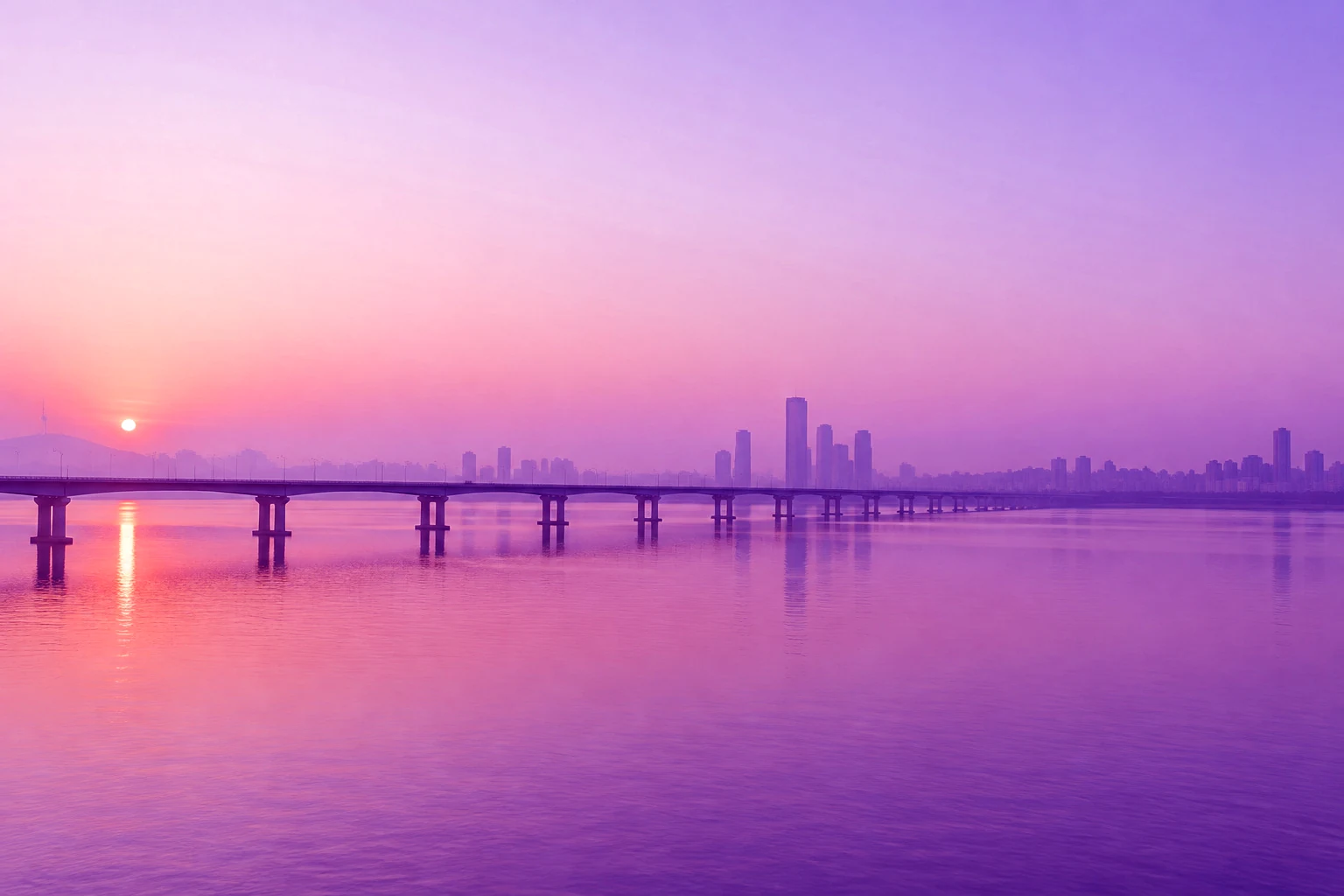
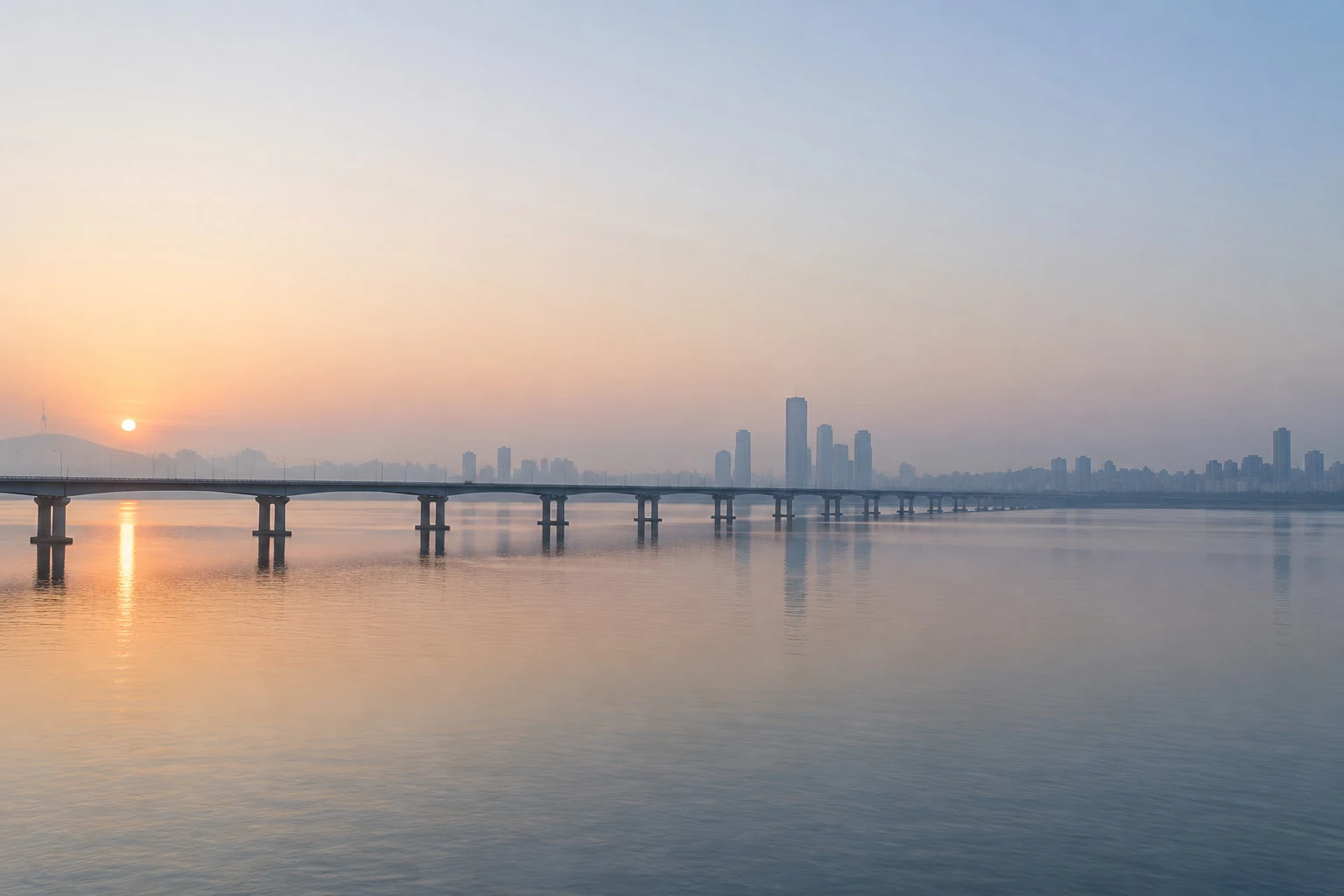 OriginalNeon Nights
image = LayerImage.from_file("han-river.jpg")
(image.curve("b", [0.12, 0.45, 0.75, 1])
.soft_light("#ff2fb3", opacity=0.6)
.saturation(0.3)
.contrast(1.1))Recipes
24 complete looks, each with a before/after slider and code that runs as printed.
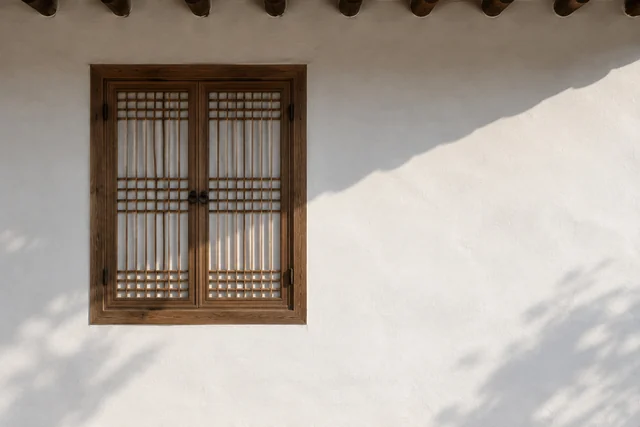
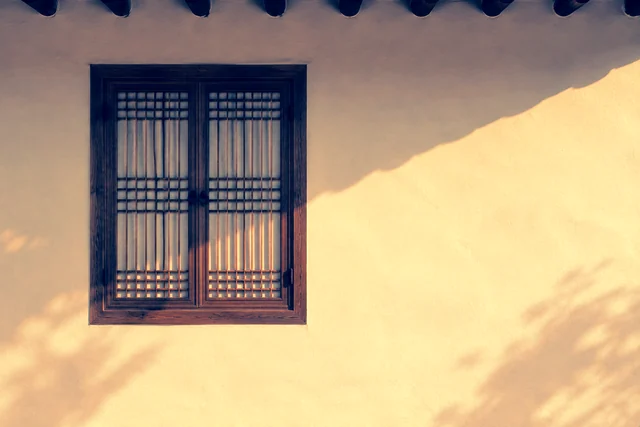
(image.curve("r", [0, 0.1, 0.5, 0.9, 1]) . curve("b", [0.18, 0.38, 0.5, 0.6, 0.8]) . contrast(1.1) . saturation(0.2))
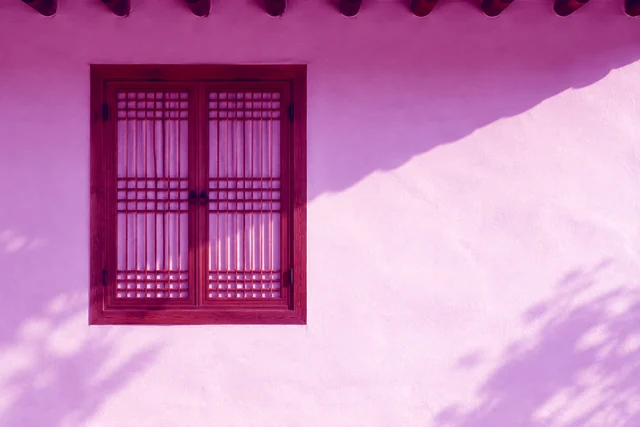
(image.curve("b", [0.12, 0.45, 0.75, 1]) . soft_light("#ff2fb3", opacity=0.6) . saturation(0.3) . contrast(1.1))
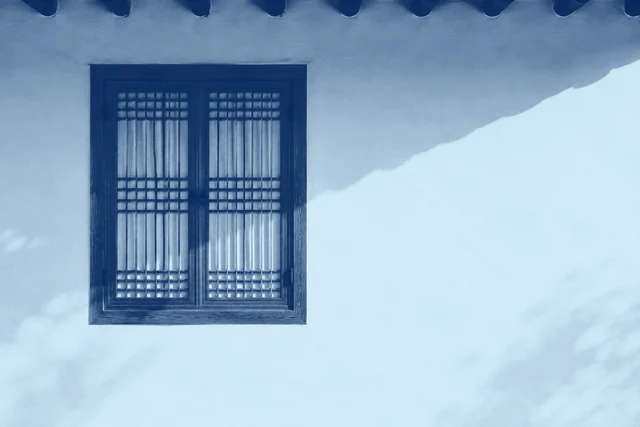
(image.grayscale() . curve("rgb", [0, 0.1, 0.55, 0.9, 1]) . curve("r", [0.02, 0.85]) . curve("g", [0.15, 0.95]) . curve("b", [0.35, 1.0]))
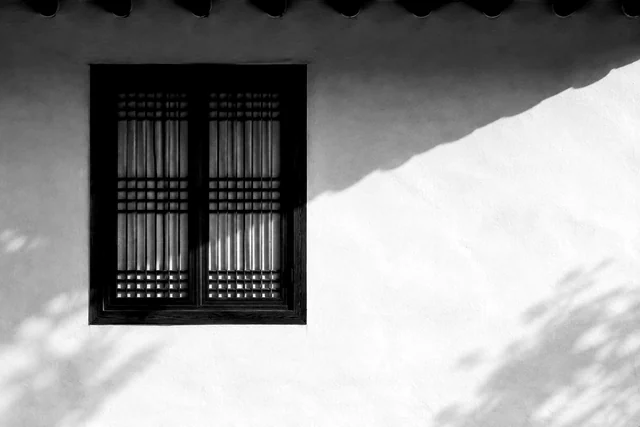
(image.grayscale() . curve("rgb", [0, 0.04, 0.3, 0.75, 1]) . contrast(1.2))
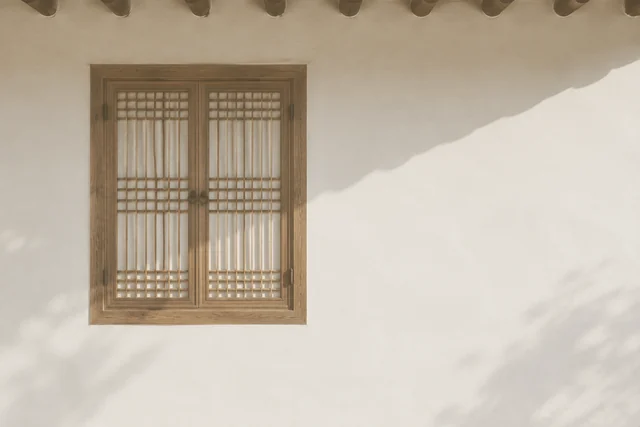
(image.curve("rgb", [0.15, 0.32, 0.55, 0.76, 0.9]) . saturation(-0.25) . soft_light("#f0cf9c", opacity=0.7))
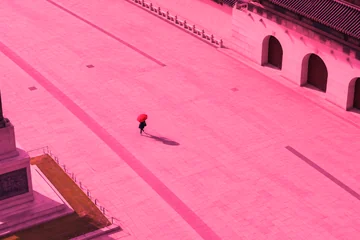
 OriginalTeal & Orange
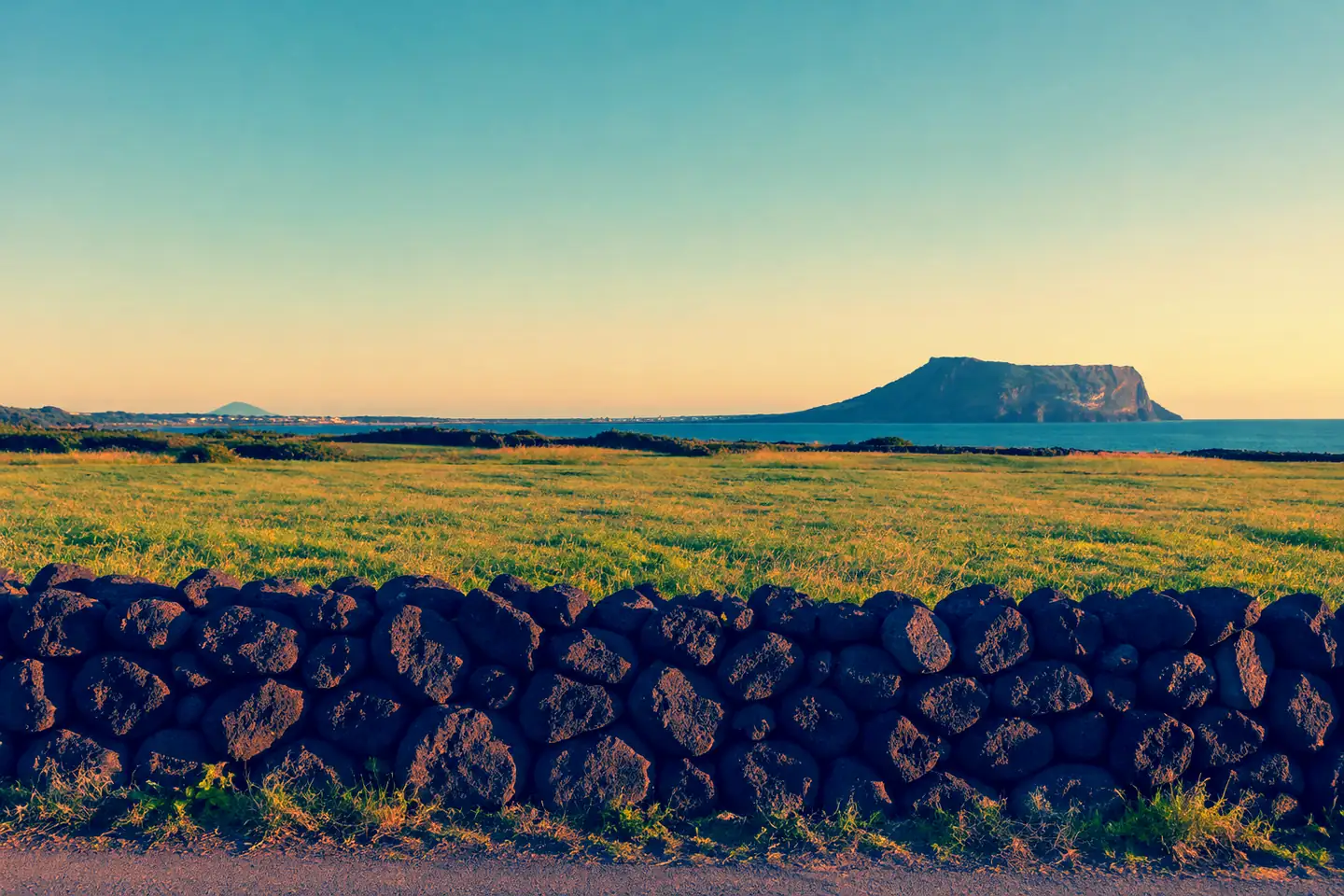
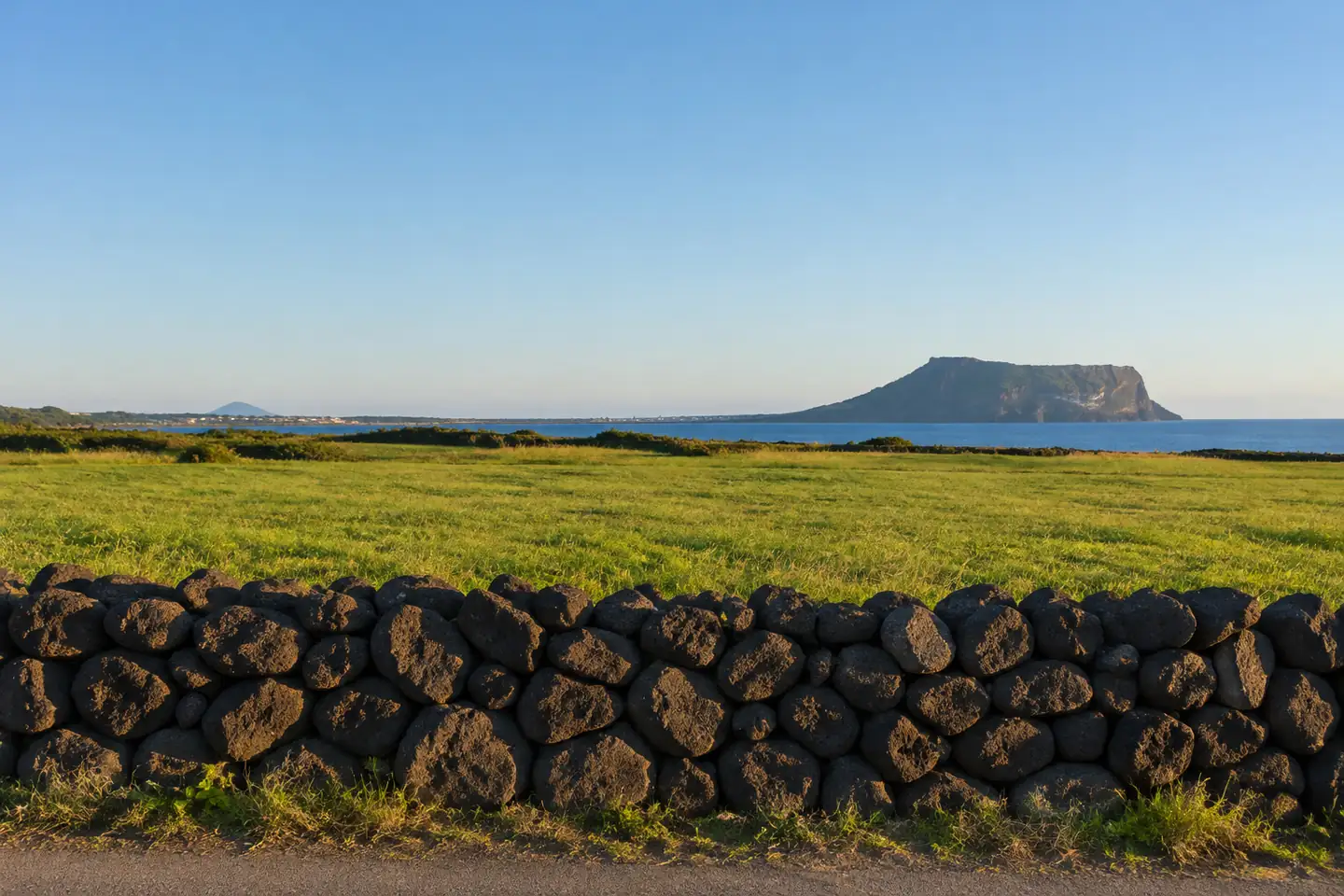
image = LayerImage.from_file("jeju-wall.jpg")
(image.curve("r", [0, 0.1, 0.5, 0.9, 1])
  .curve("b", [0.18, 0.38, 0.5, 0.6, 0.8])
  .contrast(1.1)
  .saturation(0.2))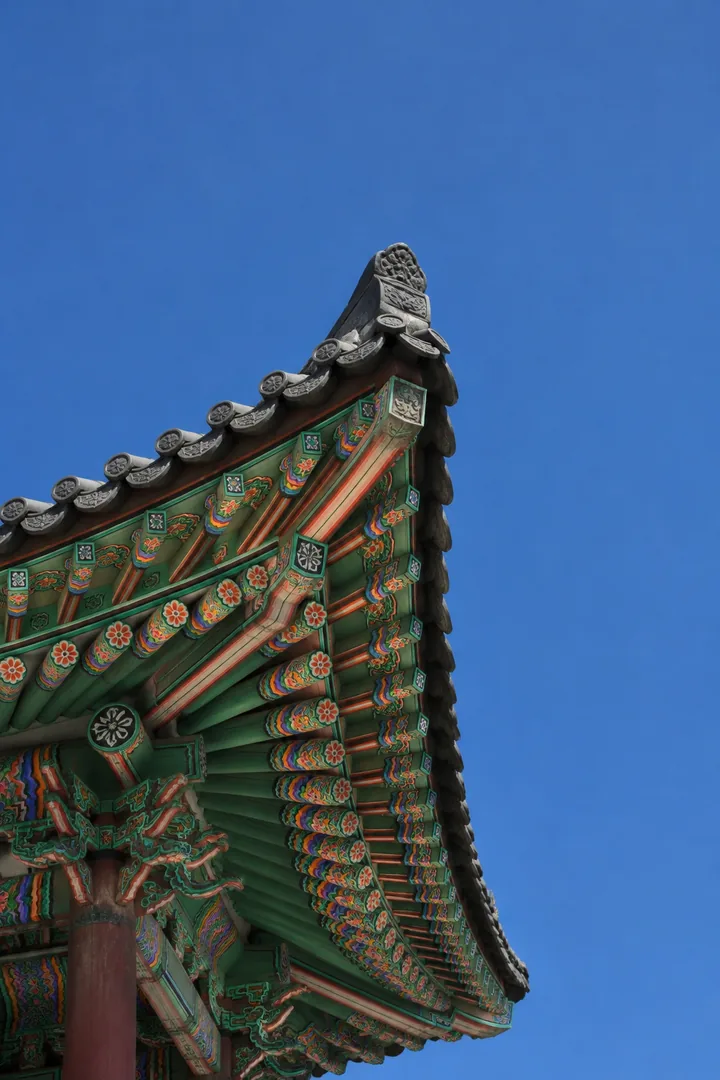
image = LayerImage.from_file("dancheong.jpg")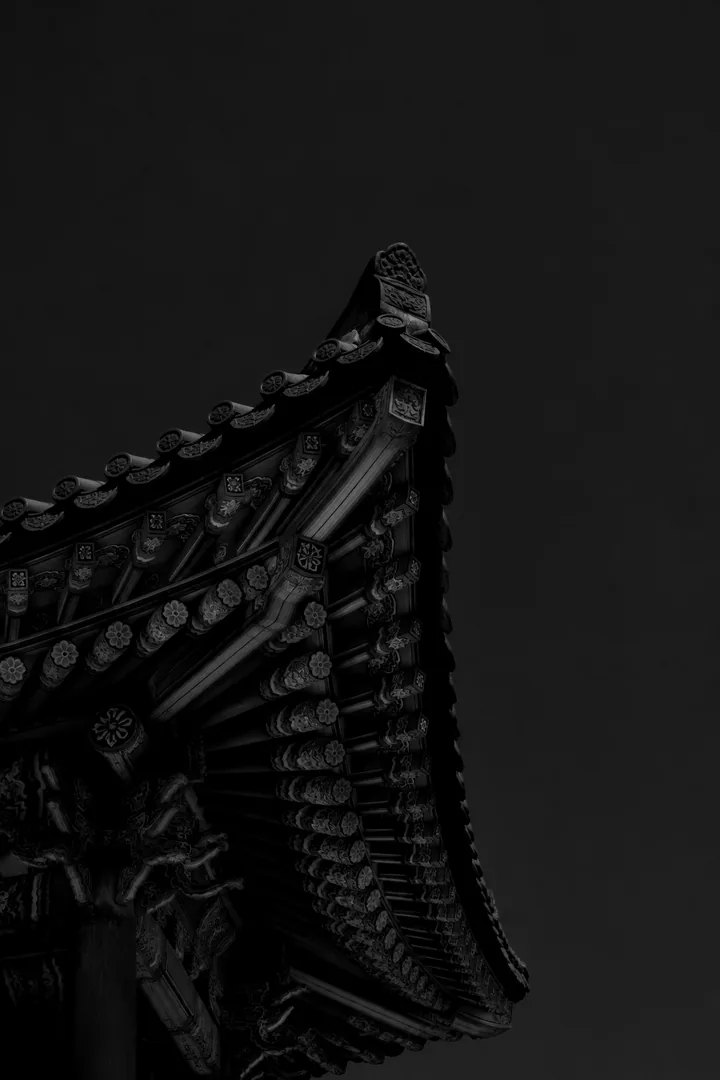
(image.multiply("#ff5a36")
      .grayscale()
      .curve("rgb", [0, 0.3, 0.85, 1])
      .contrast(1.2))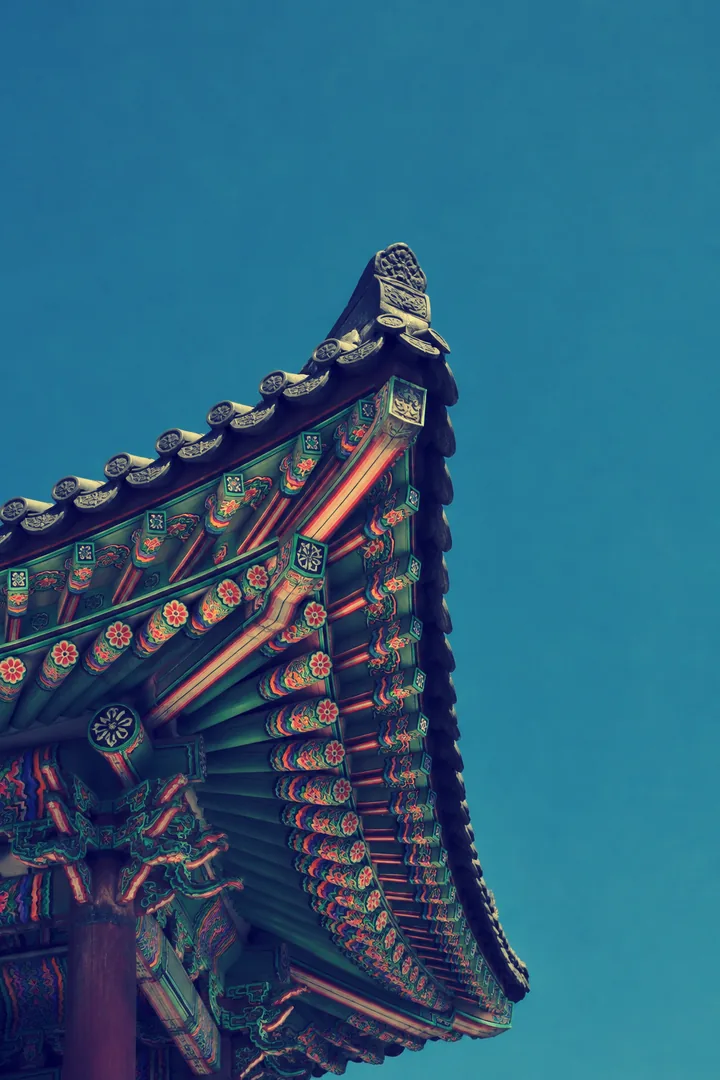
(image.curve("r", [0, 0.15, 0.55, 0.9, 1])
      .curve("g", [0, 0.2, 0.55, 0.85, 1])
.curve("b", [0.22, 0.35, 0.48, 0.6, 0.72]))Blend modes
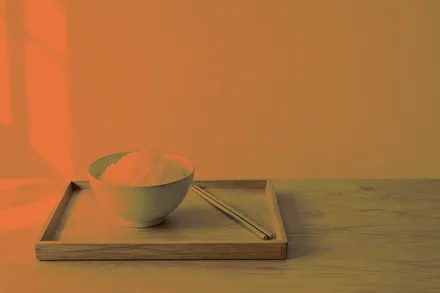
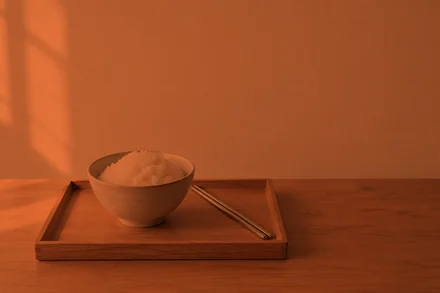
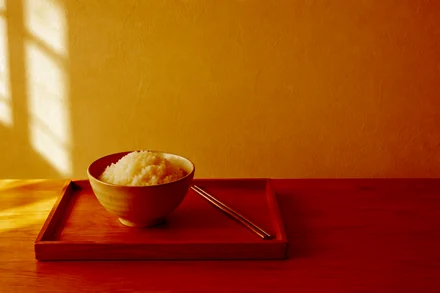
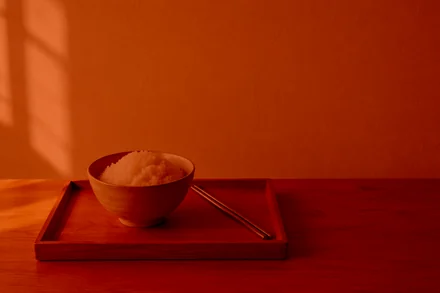
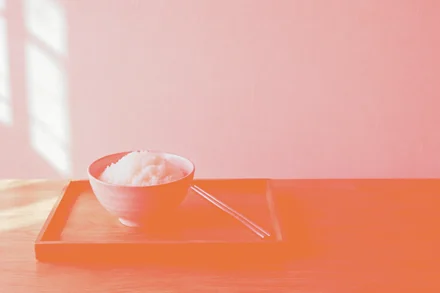
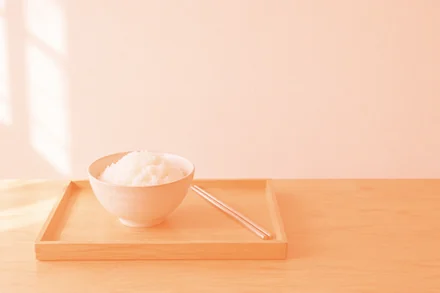
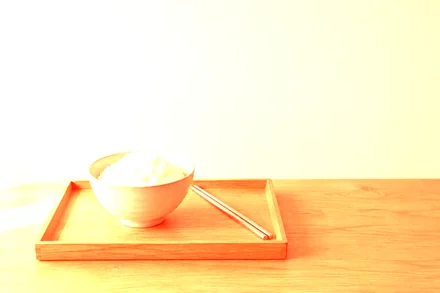
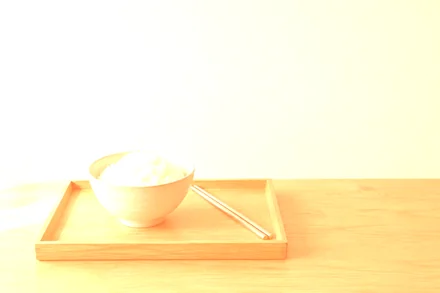
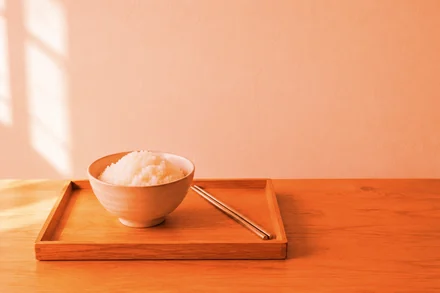
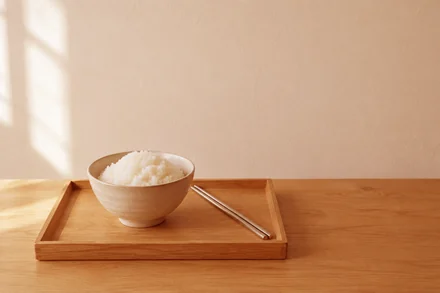
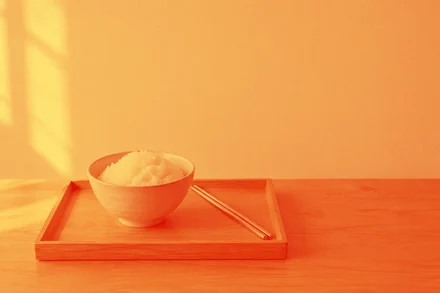
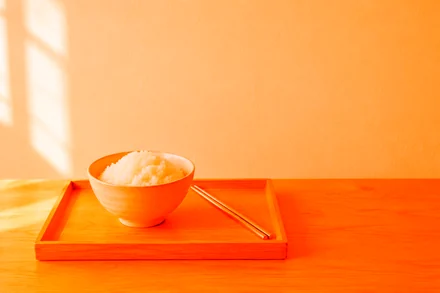
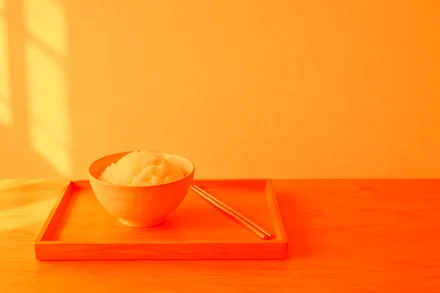
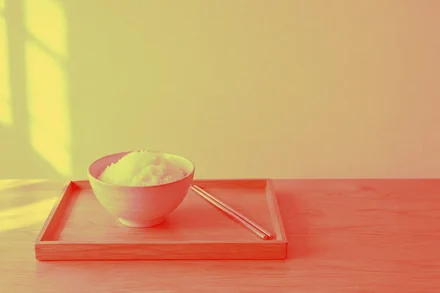
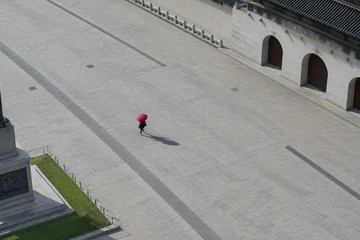
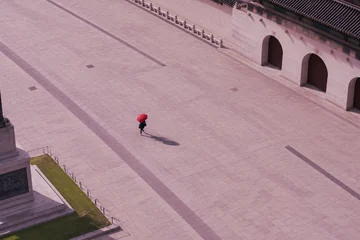
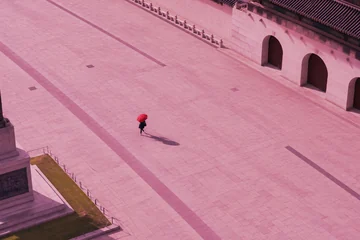
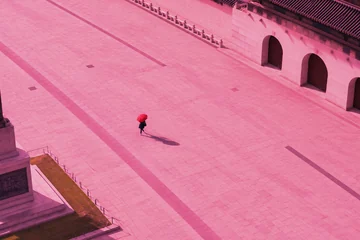
14 modes in darken, lighten and contrast groups. The blend layer is a hex color or a NumPy array, with an optional opacity.
image = LayerImage.from_file("rice-tray.jpg")
image.<mode>("#e8743b")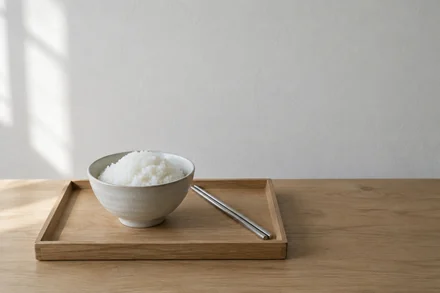
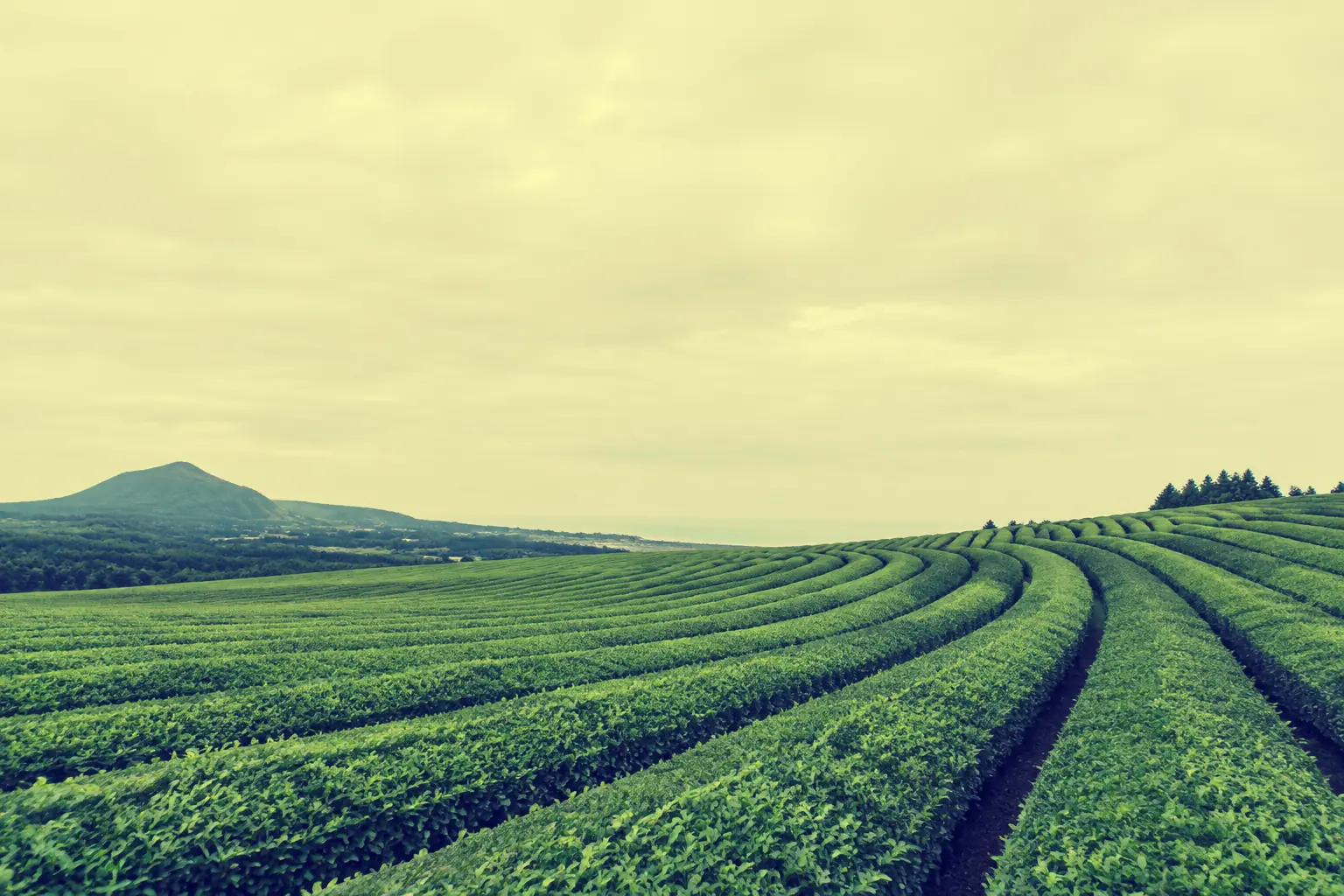
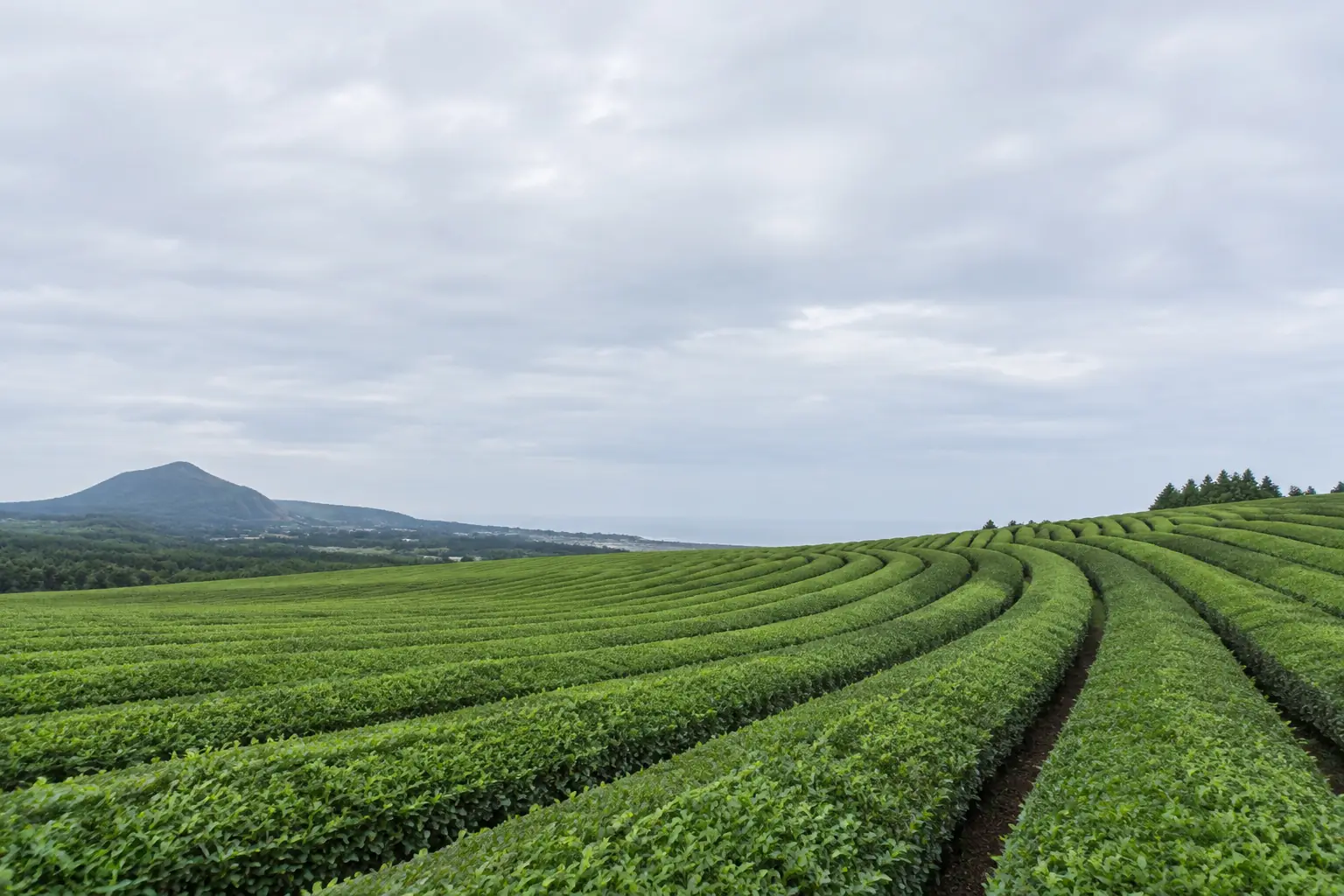 OriginalCross-processed
image = LayerImage.from_file("tea-field.jpg")
(image.curve("r", [0, 0.15, 0.55, 0.9, 1])
.curve("g", [0, 0.2, 0.55, 0.85, 1])
.curve("b", [0.22, 0.35, 0.48, 0.6, 0.72]))Adjustments
Brightness, contrast, hue, saturation, lightness and grayscale are each one call. Curves remap any mix of the red, green and blue channels.
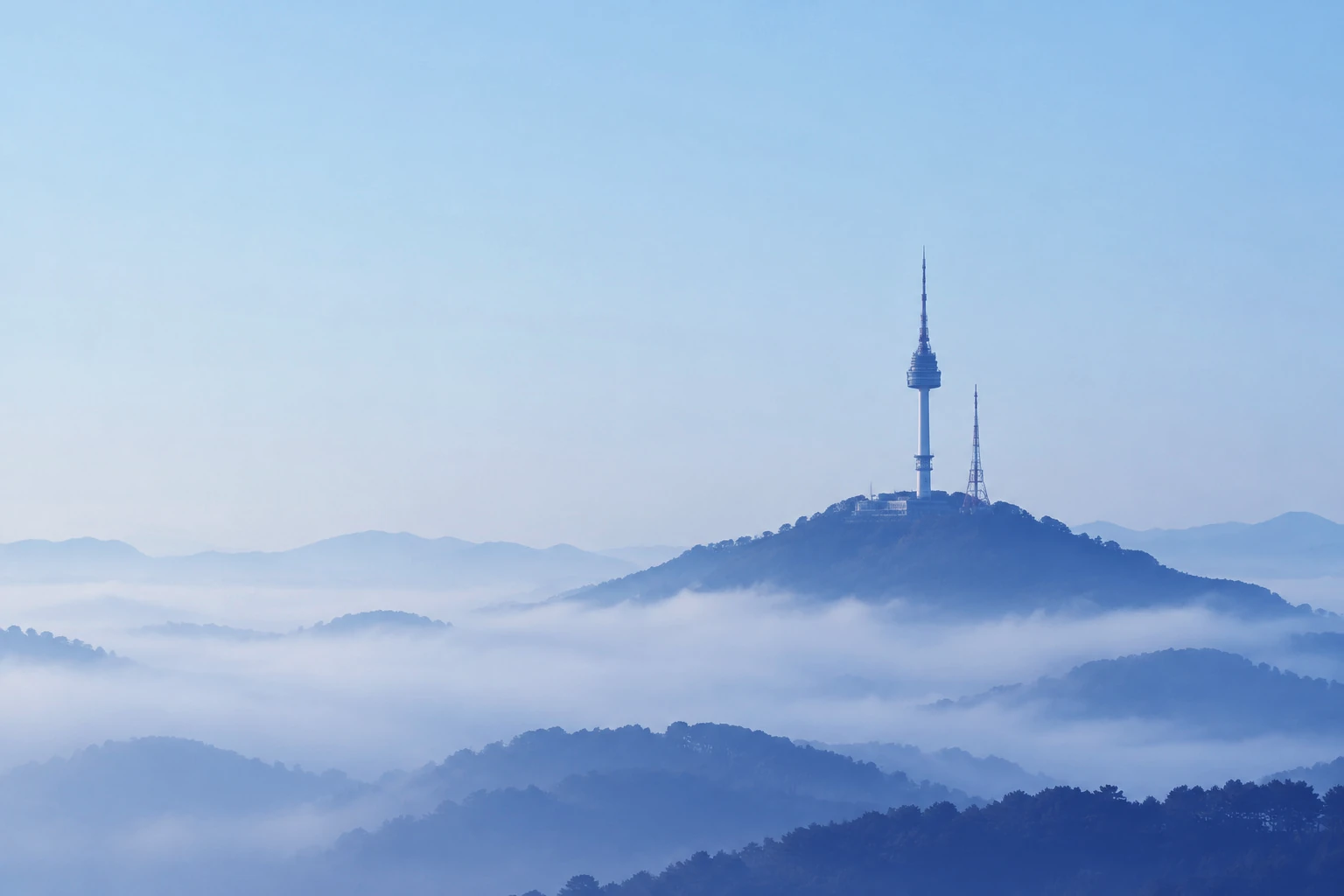
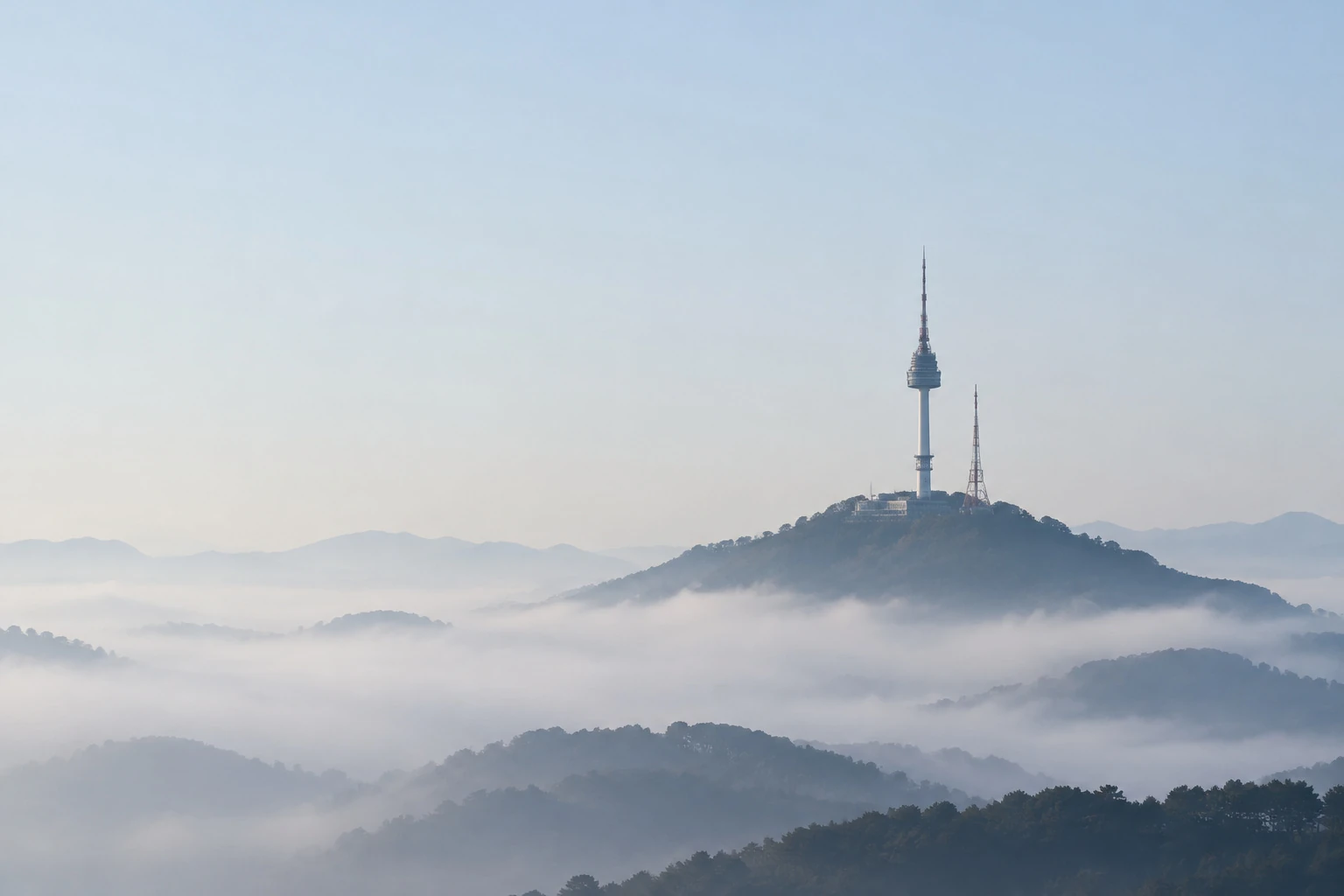 OriginalWinter blues
image = LayerImage.from_file("namsan-fog.jpg")
(image.soft_light("#1f5fd1", opacity=0.8)
.curve("b", [0.1, 0.55, 1])
.lightness(0.05))image = LayerImage.from_file("subway.jpg")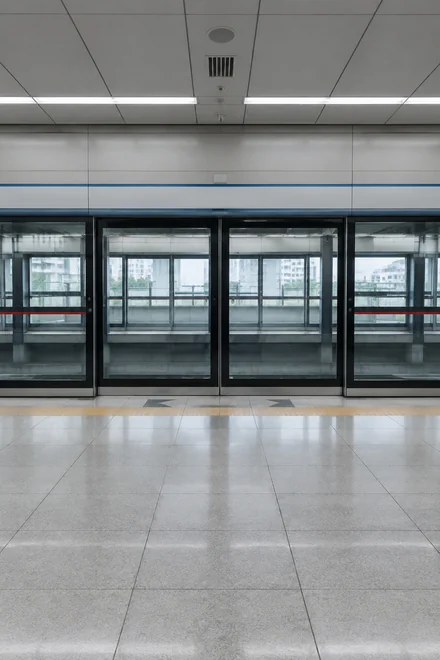
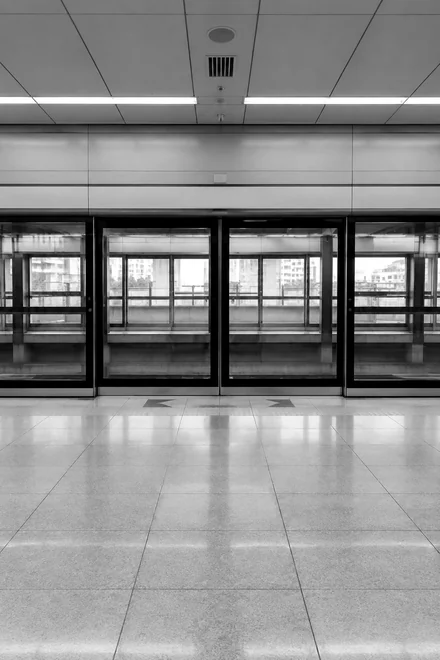
image.grayscale(). contrast(1.2)
![subway.jpg after: image.curve("r", [0.12, 1.0])](/media/layeris/gen/chain-subway-2.webp)
image.curve("r", [0.12, 1.0])
![subway.jpg after: image.curve("g", [0.08, 0.45])](/media/layeris/gen/chain-subway-3.webp)
image.curve("g", [0.08, 0.45])
![subway.jpg after: image.curve("b", [0.4, 0.42])](/media/layeris/gen/chain-subway-4.webp)
image.curve("b", [0.4, 0.42])
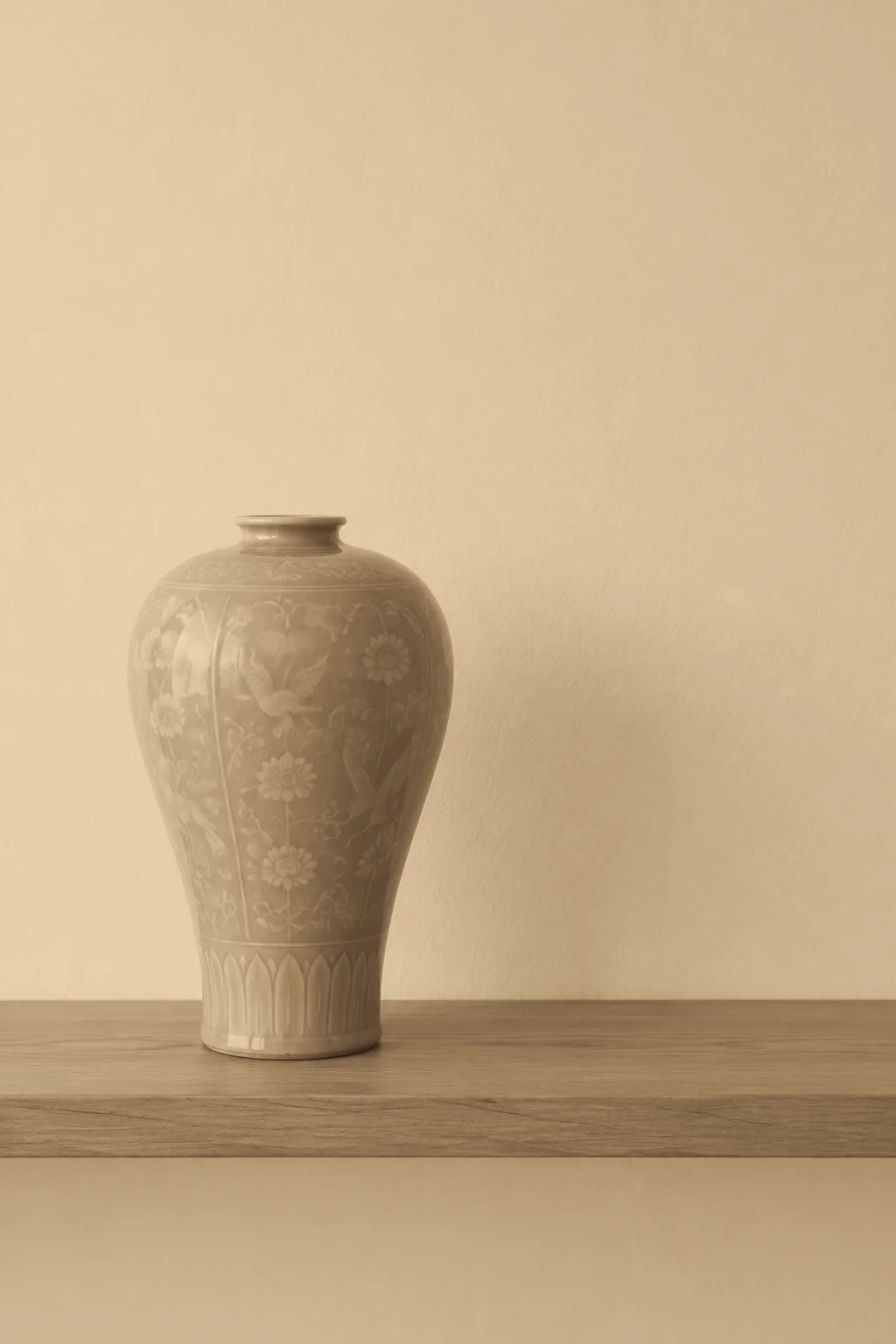
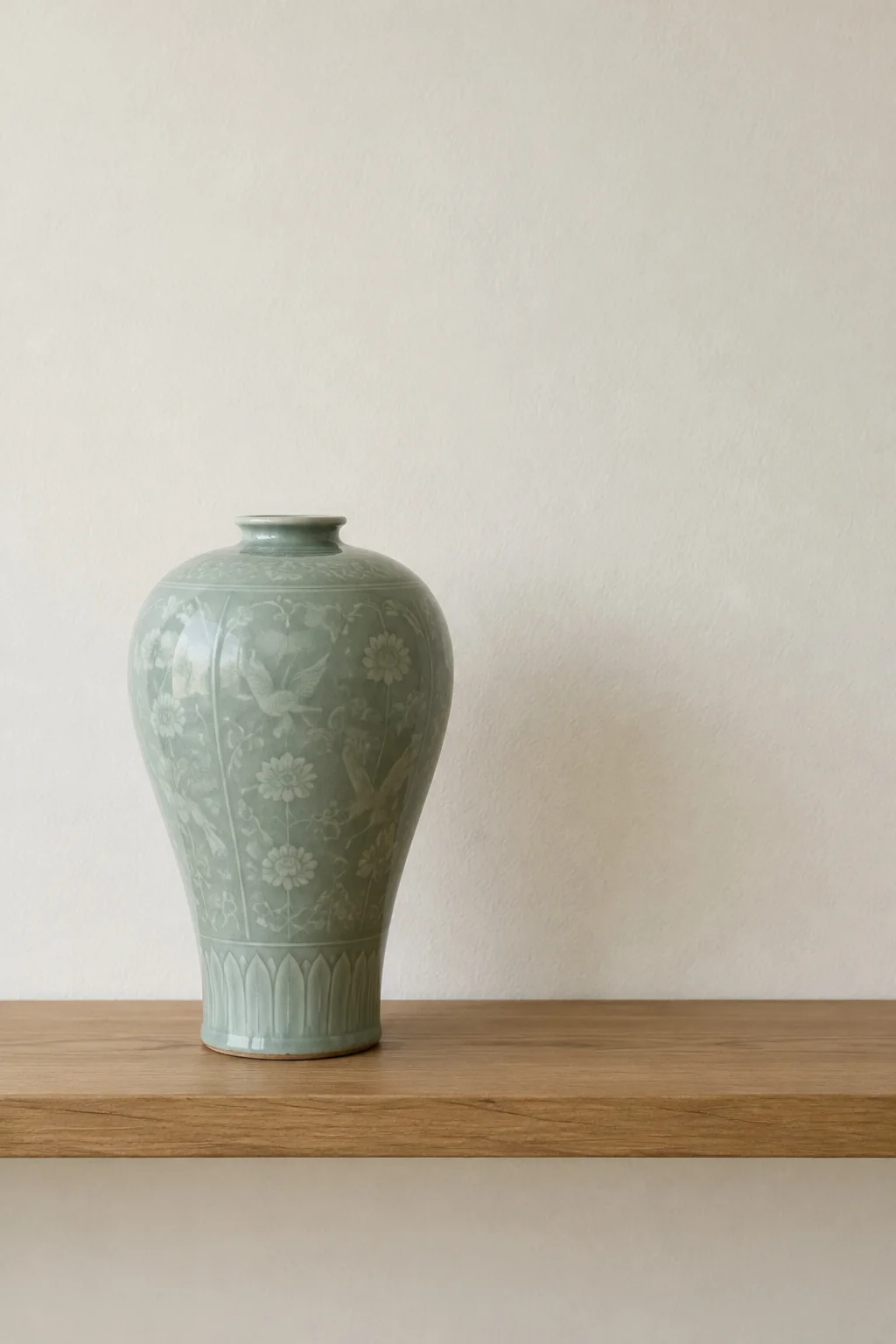 OriginalSepia print
image = LayerImage.from_file("celadon.jpg")
(image.grayscale()
.curve("r", [0.16, 0.62, 1.0])
.curve("g", [0.1, 0.5, 0.92])
.curve("b", [0.06, 0.36, 0.78]))Portraits
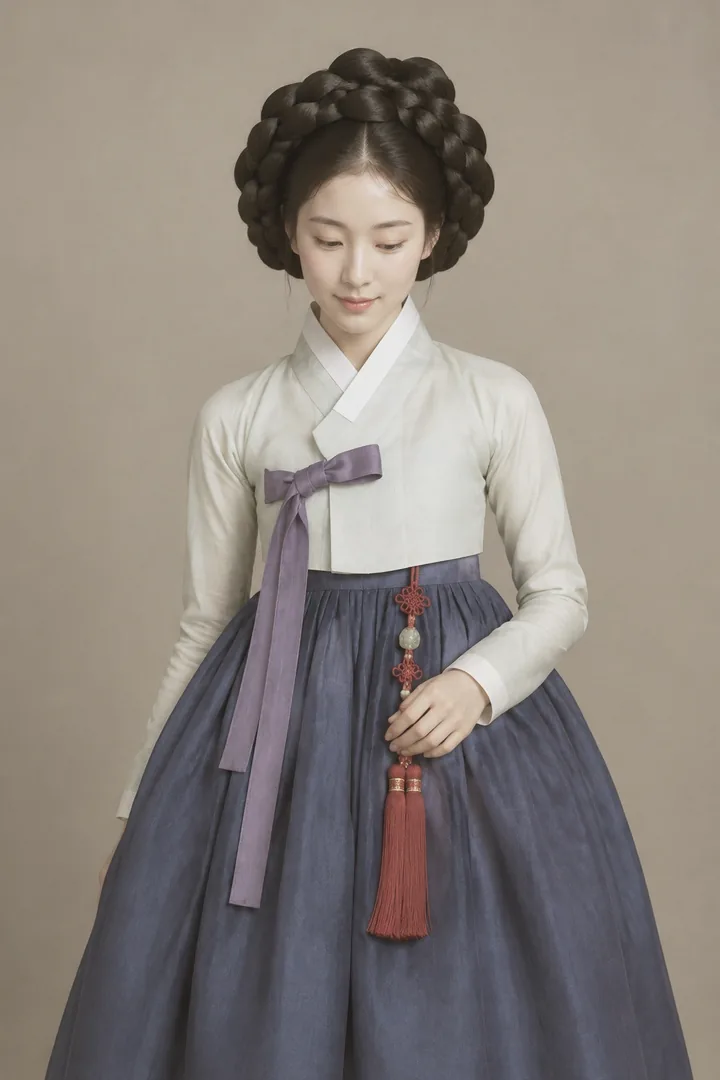
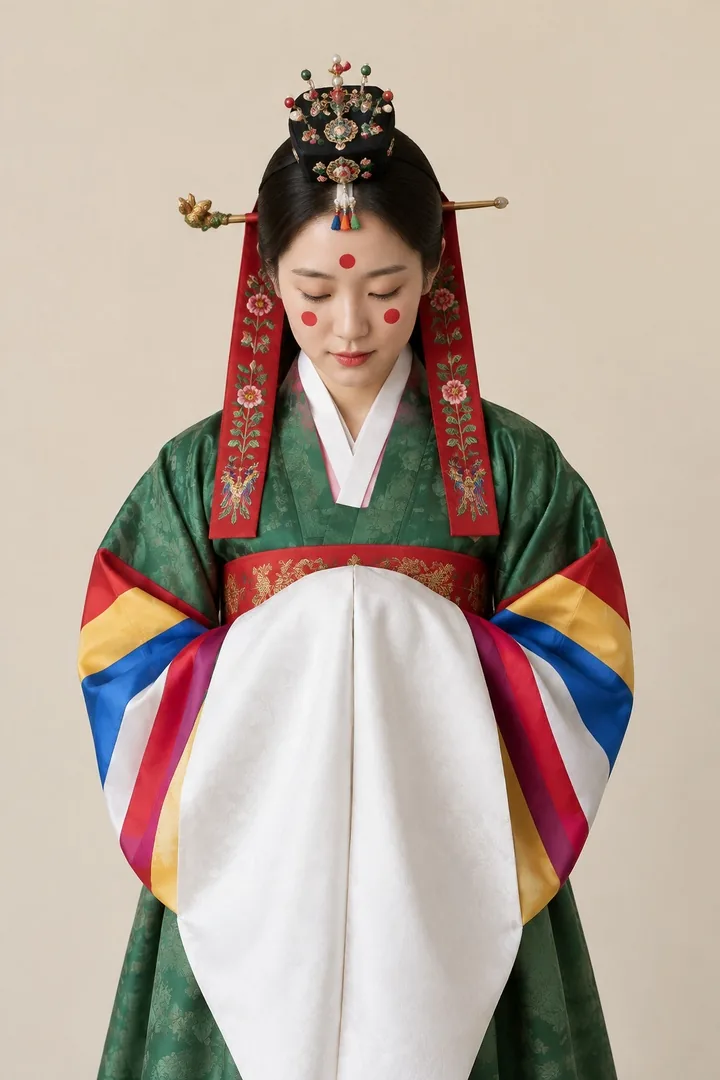
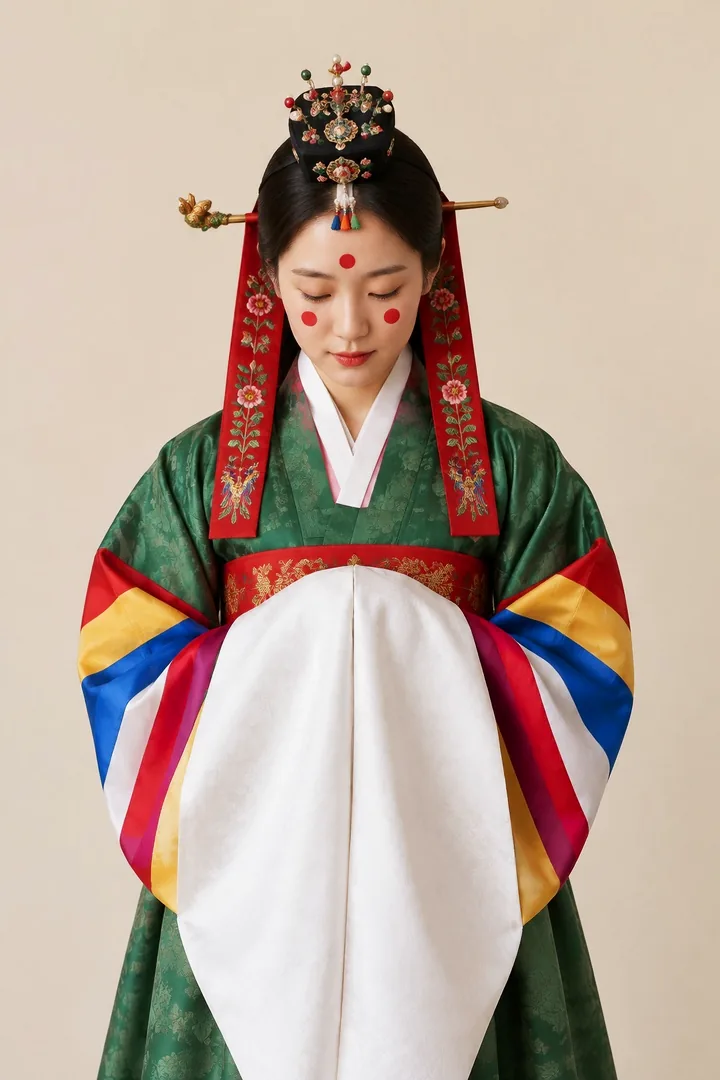
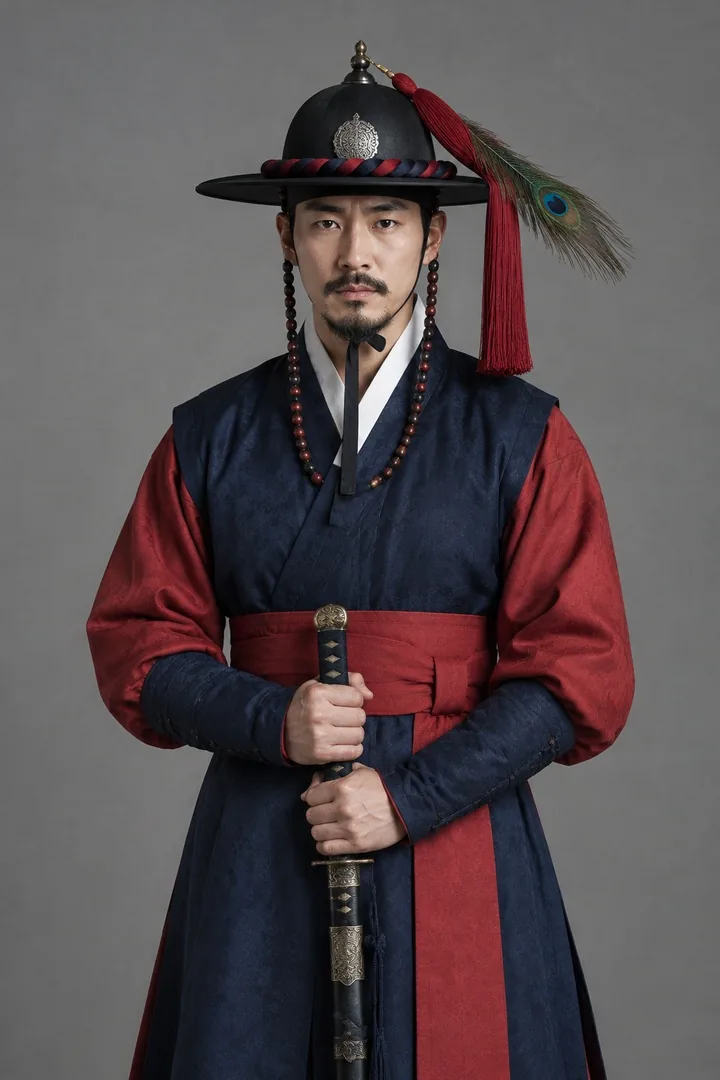
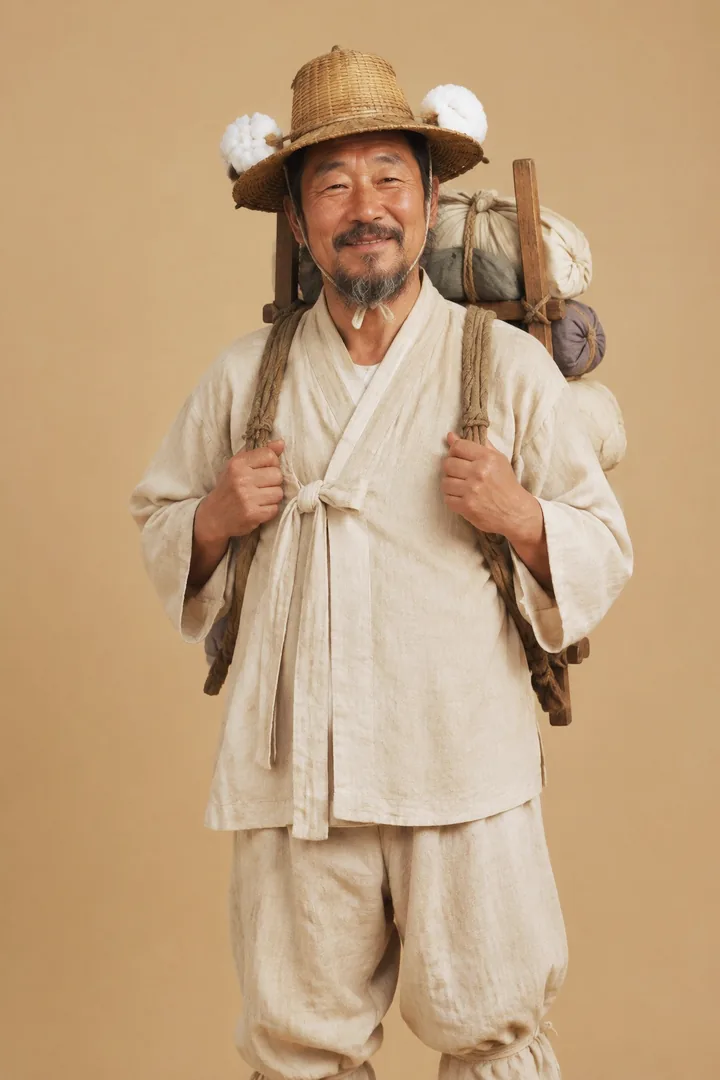
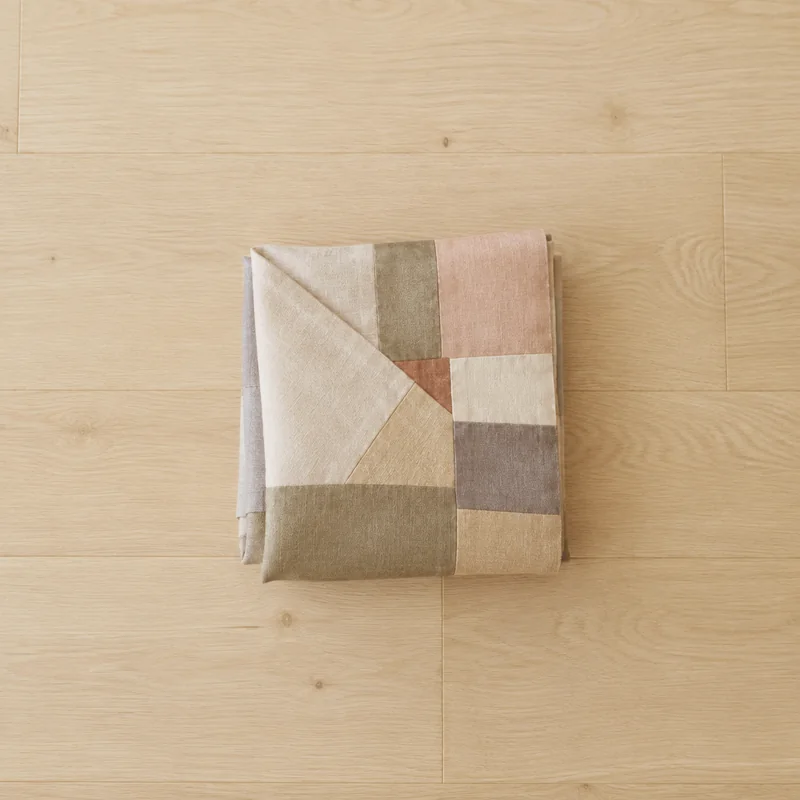
Ten studio portraits in Joseon dress, from a young King Sejong and his queen to a yangban, a bride and a market peddler, each given a light look in a few layeris calls.
(image.curve("rgb", [0.05, 0.28, 0.53, 0.78, 0.97]) . saturation(-0.08) . soft_light("#f3d9a8", opacity=0.3))
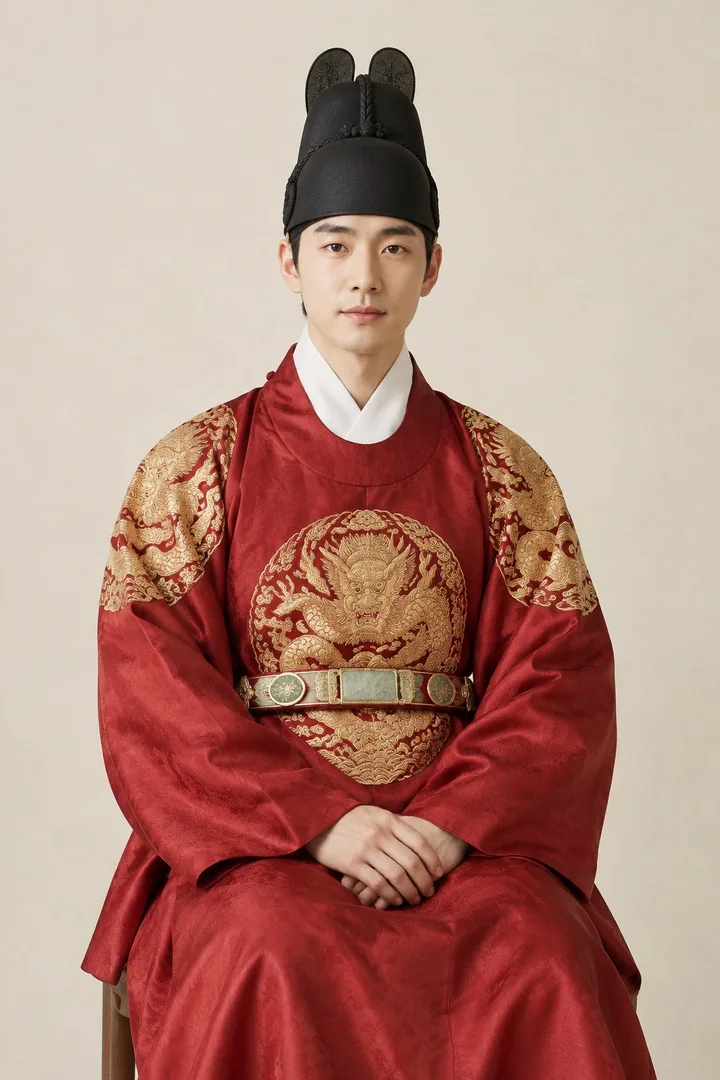 Before
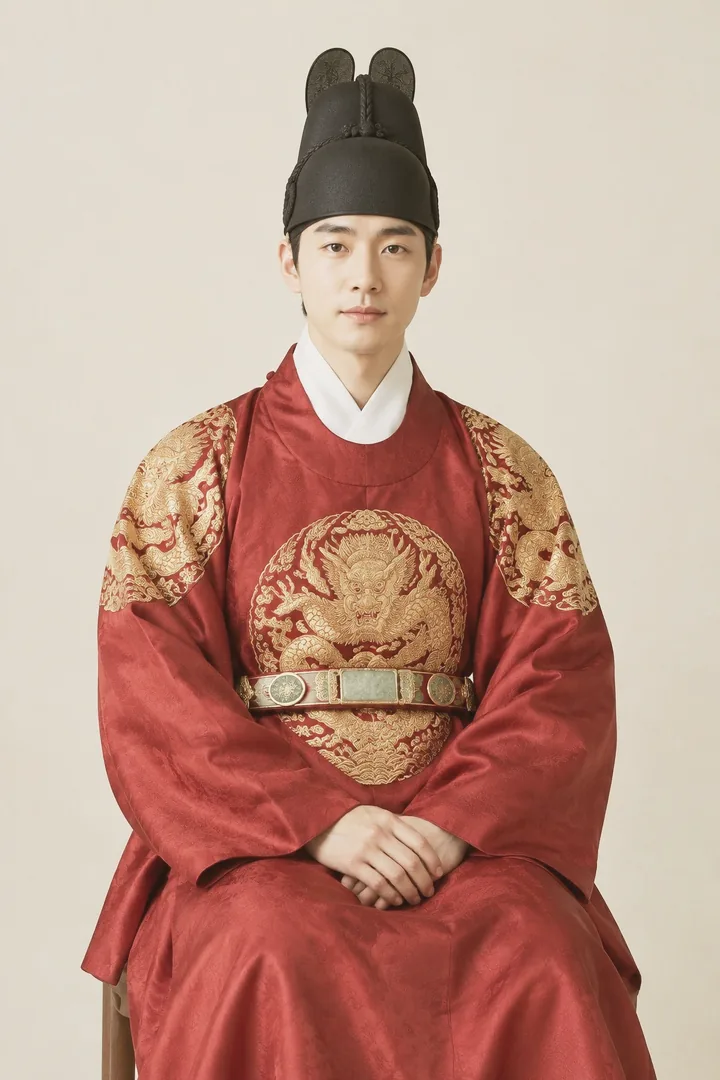 After
After(image.overlay("#ffcf73", opacity=0.14) . curve("rgb", [0, 0.23, 0.5, 0.77, 1]) . curve("b", [0.03, 0.48, 0.97]))
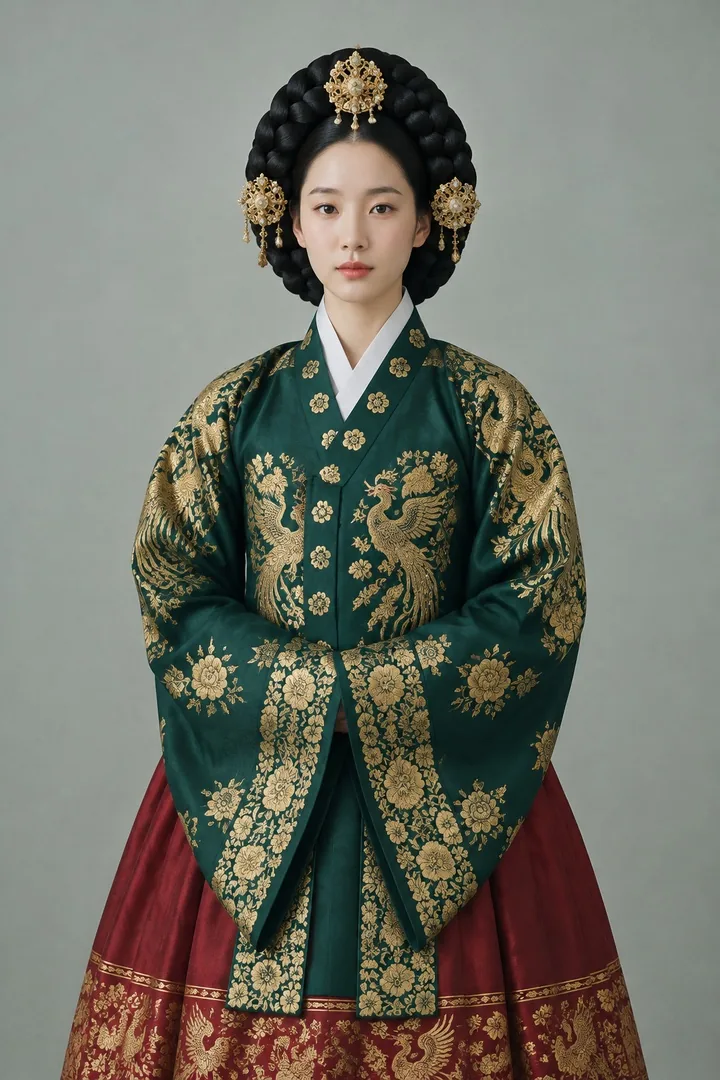 Before
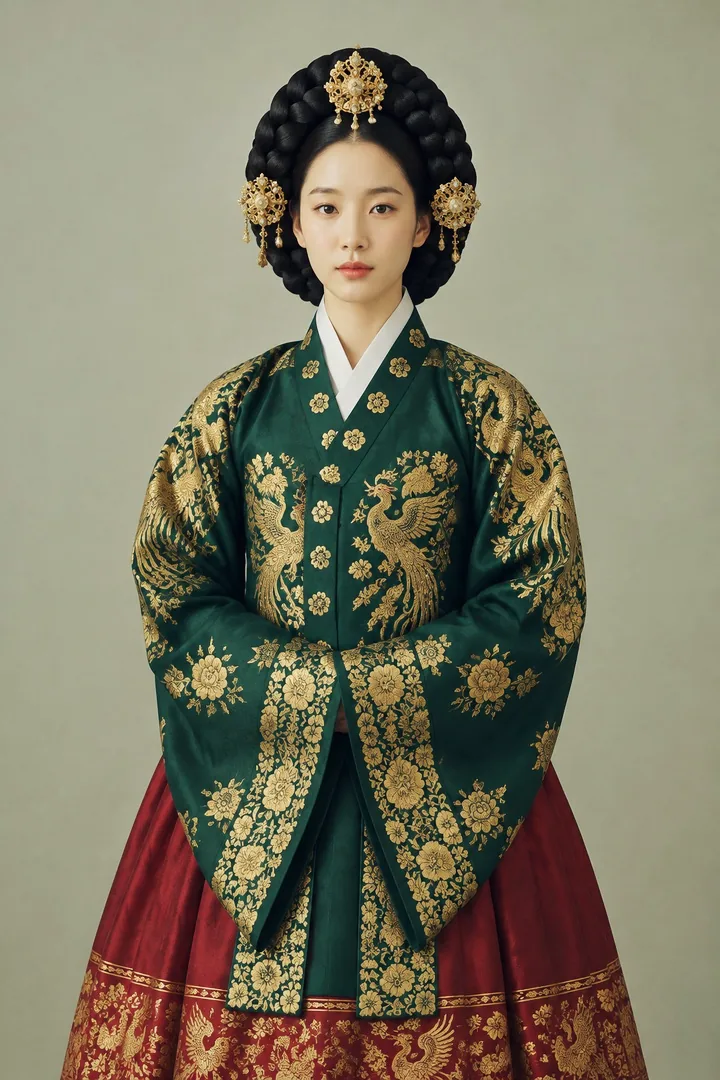 After
After(image.curve("rgb", [0.03, 0.3, 0.56, 0.8, 1]) . curve("b", [0.02, 0.54, 1]) . saturation(-0.1))
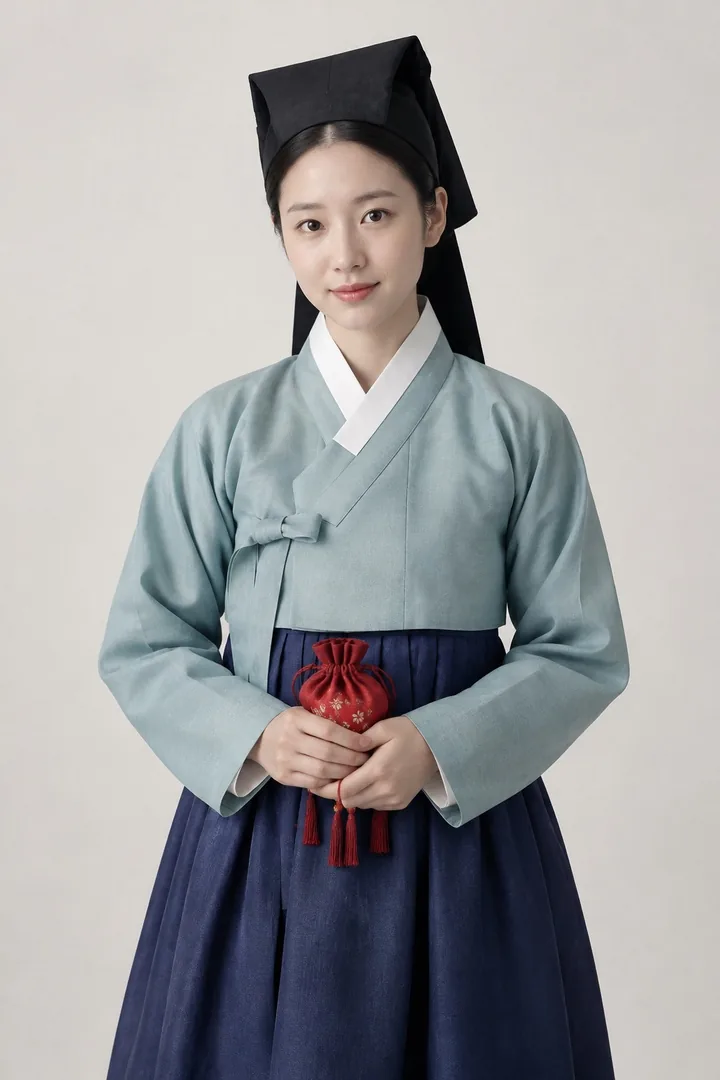 Before
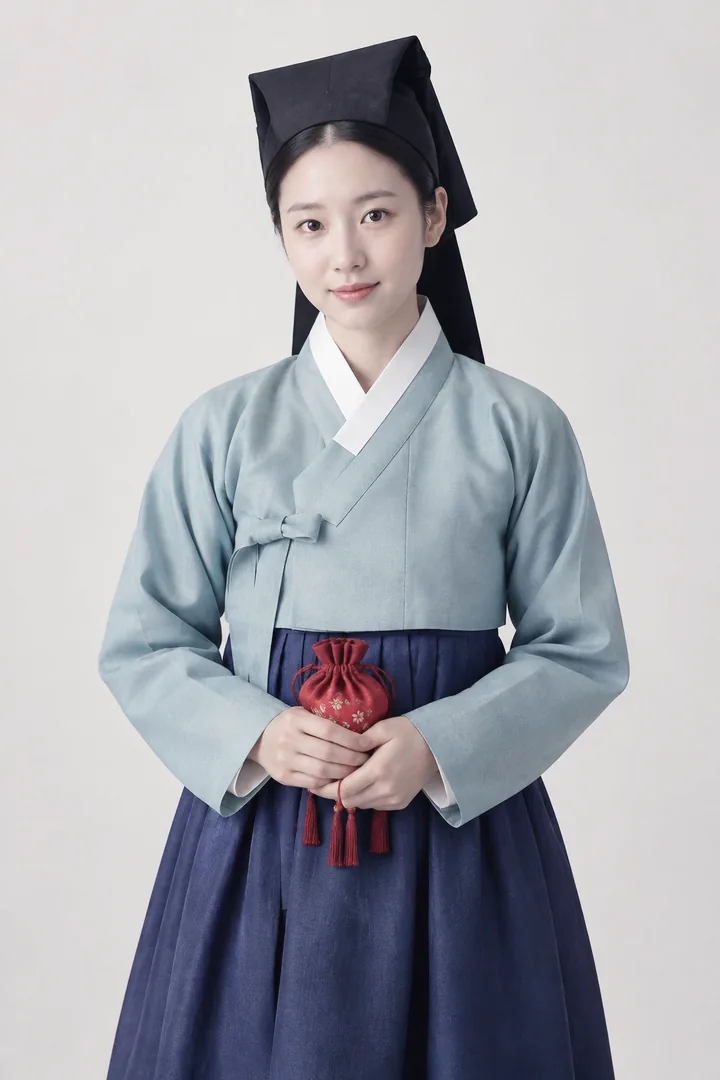 After
After(image.saturation(-0.4) . soft_light("#e5c99a", opacity=0.35) . curve("rgb", [0.06, 0.28, 0.52, 0.77, 0.96]))
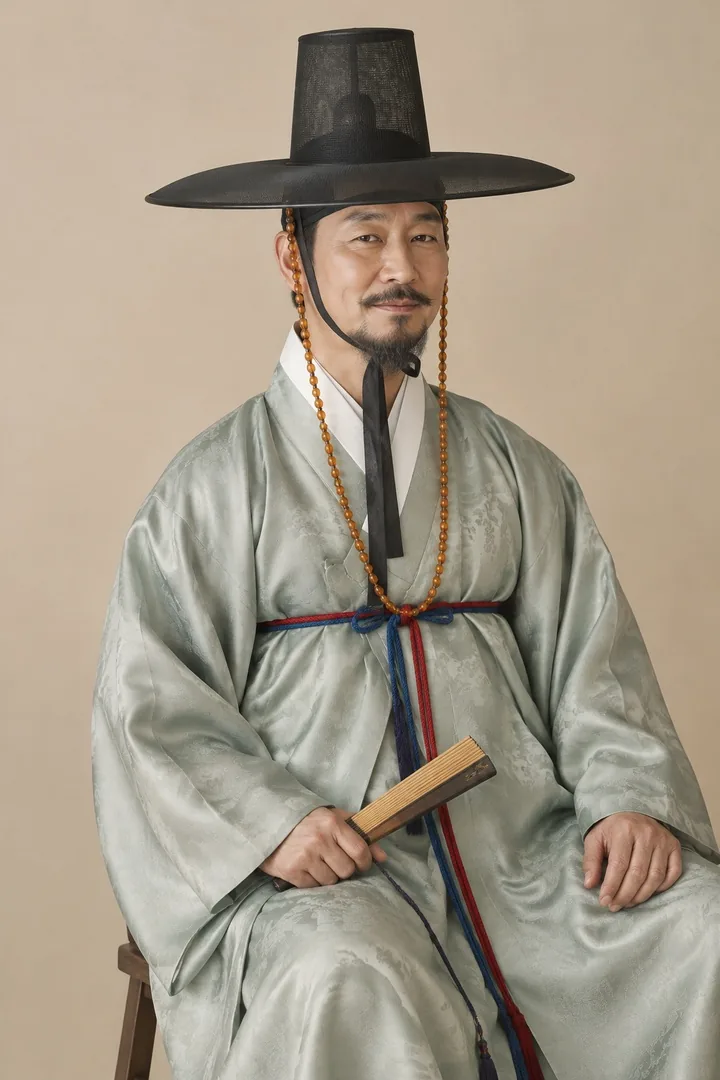 Before
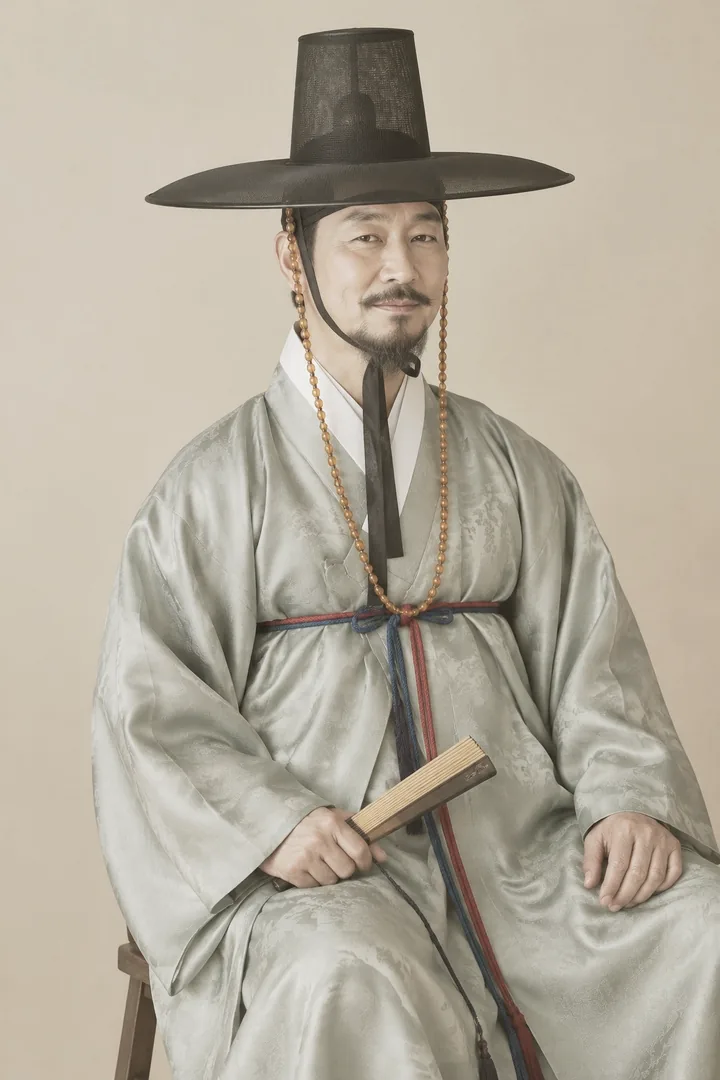 After
After(image.soft_light("#ffc9d6", opacity=0.4) . curve("rgb", [0.07, 0.3, 0.55, 0.79, 0.98]))
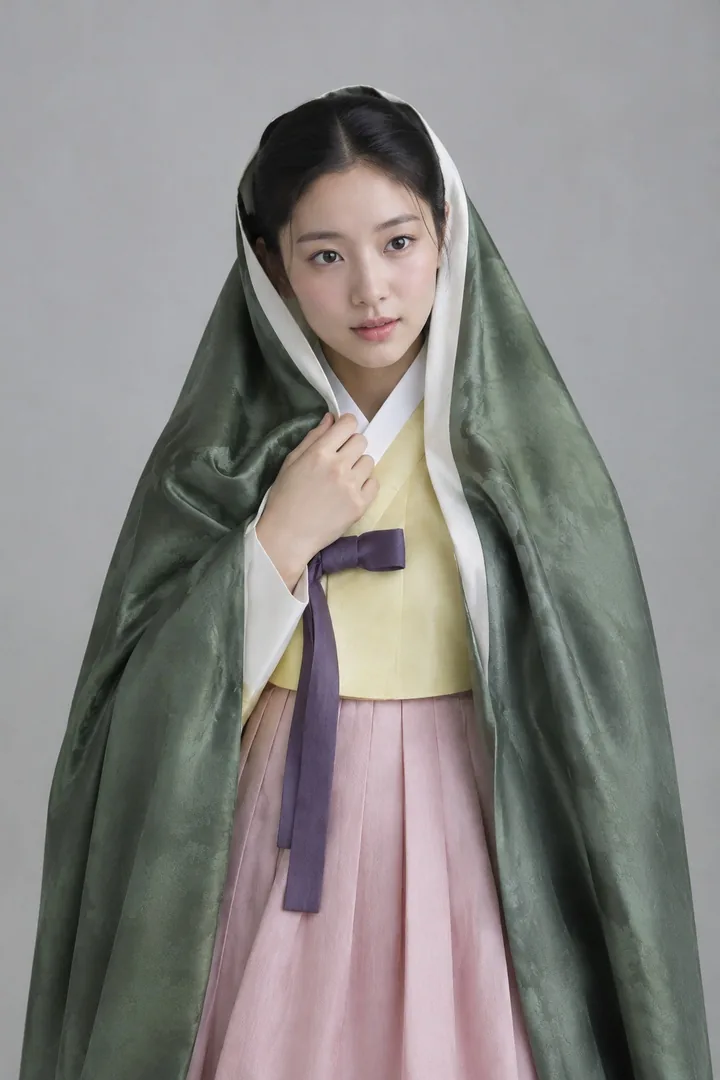 Before
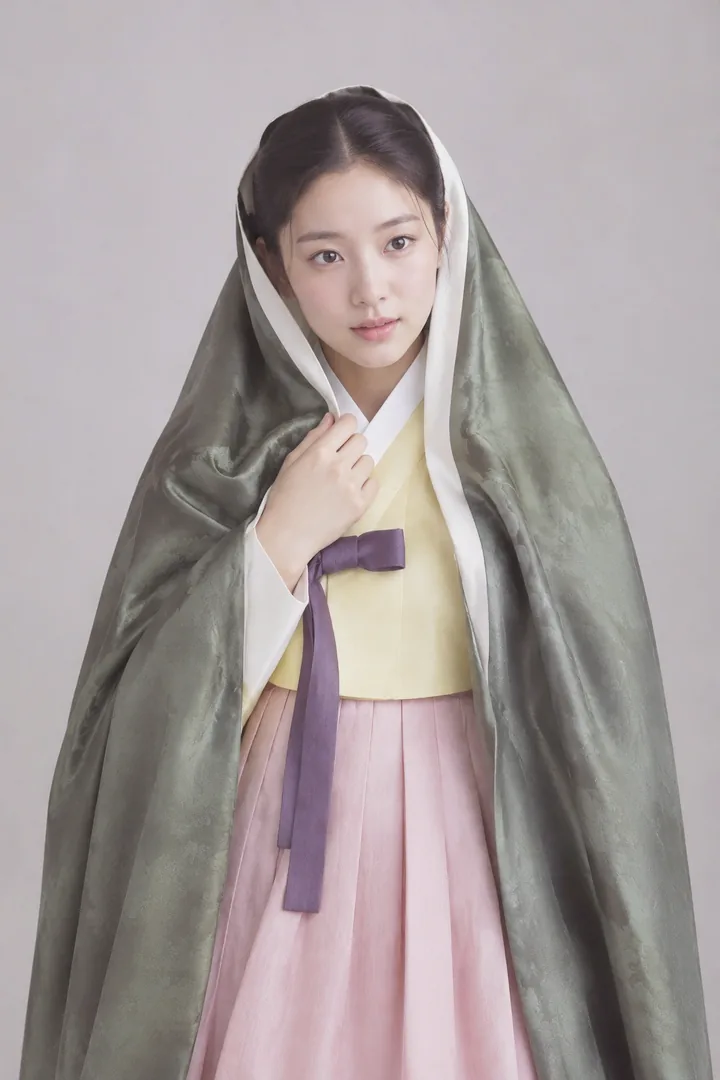 After
After(image.saturation(-0.25) . soft_light("#e7c48f", opacity=0.4) . curve("rgb", [0.08, 0.3, 0.53, 0.77, 0.96]))
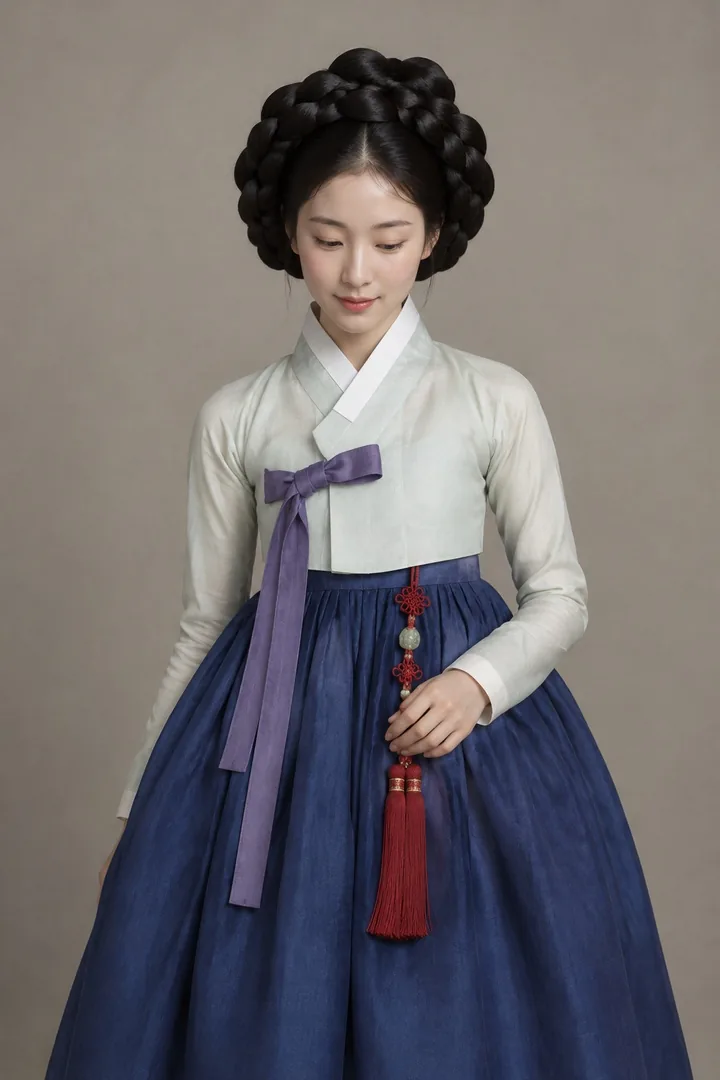 Before
 After
After(image.saturation(0.12) . curve("r", [0, 0.53, 1]) . curve("rgb", [0, 0.23, 0.5, 0.77, 1]))
 Before
 After
After(image.curve("rgb", [0, 0.22, 0.5, 0.78, 1]) . curve("b", [0.06, 0.52, 0.96]) . saturation(-0.15))
 Before
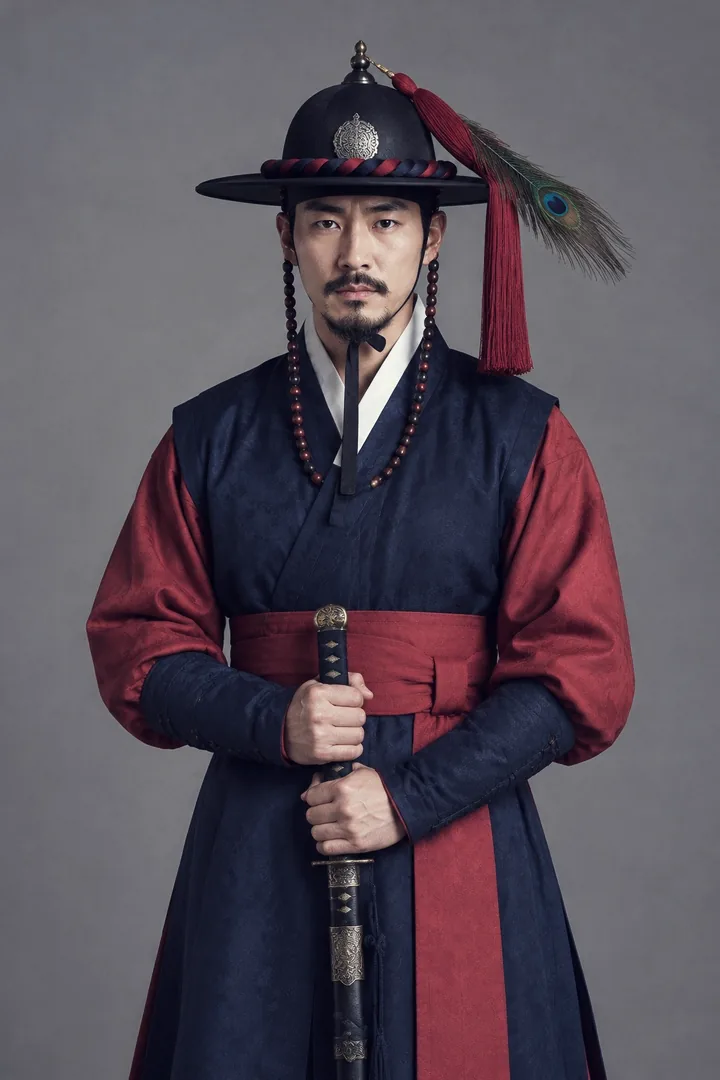 After
After(image.overlay("#3d6fb5", opacity=0.18) . curve("rgb", [0.03, 0.25, 0.5, 0.76, 0.97]))
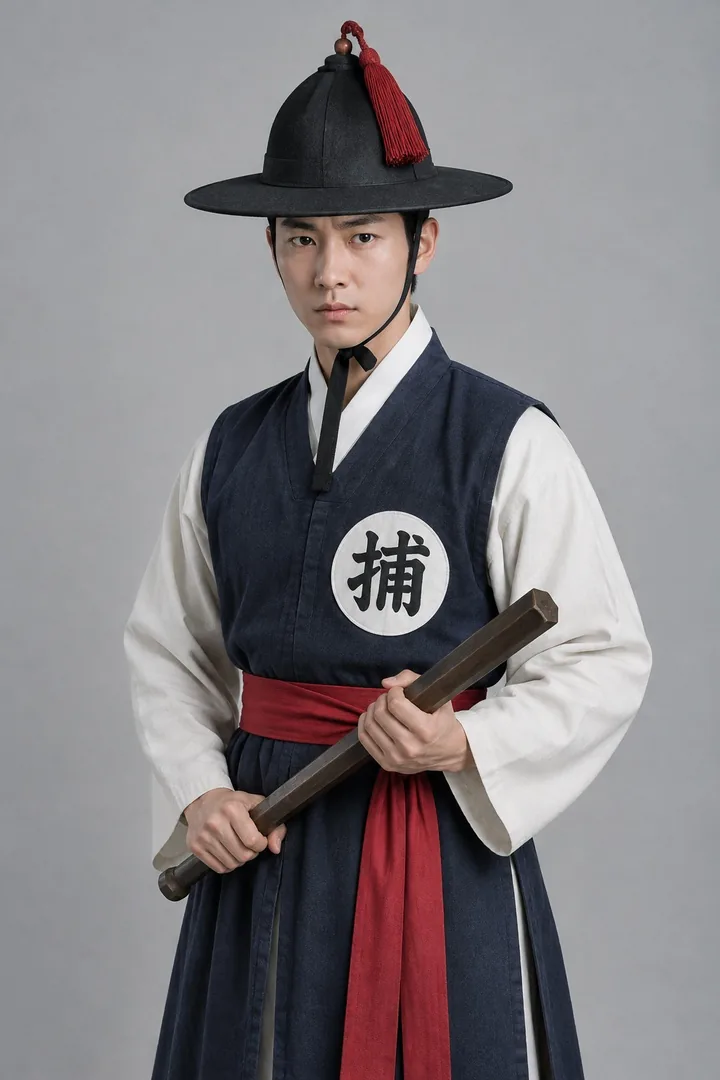 Before
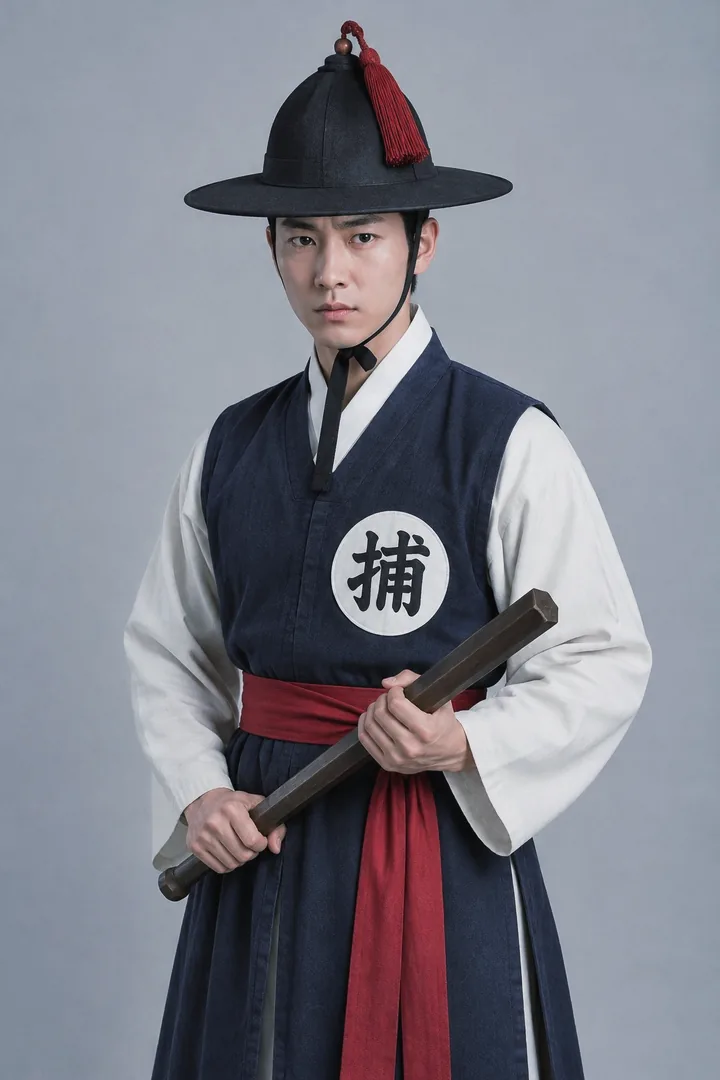 After
After(image.overlay("#ffb870", opacity=0.22) . curve("rgb", [0.04, 0.27, 0.52, 0.77, 0.97]) . saturation(0.05))
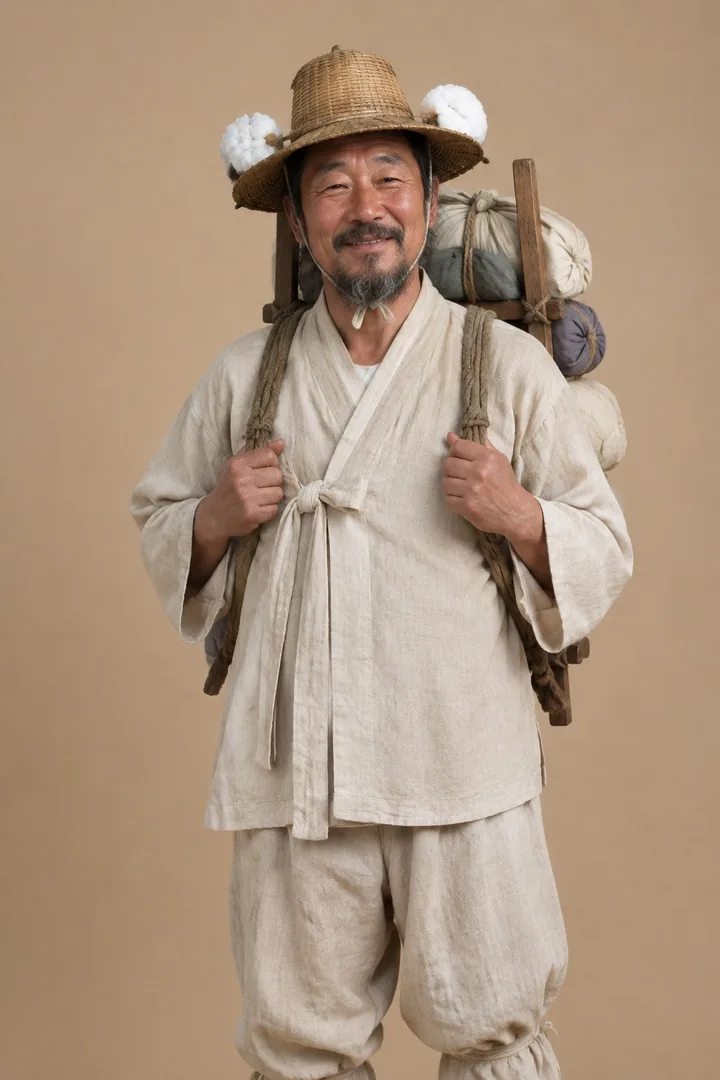 Before
 After
AfterLookup table
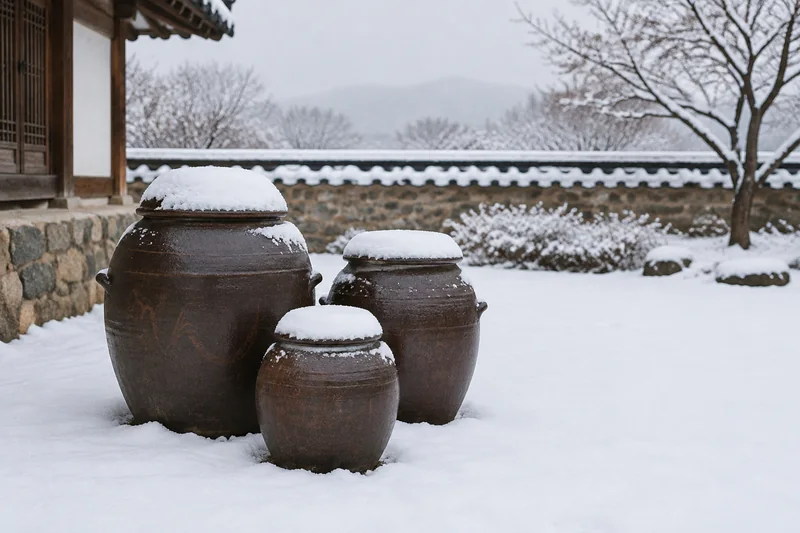
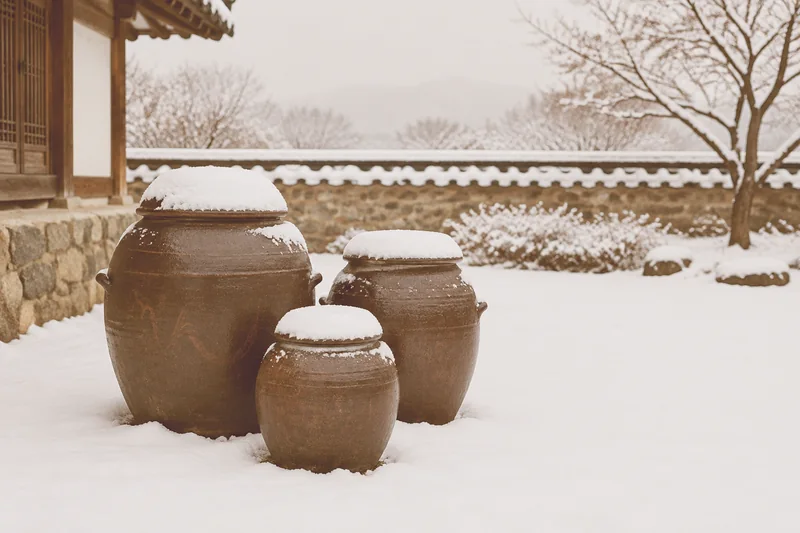
Per-channel edits on an 8-bit photo run on a 256-entry table instead of every pixel. A 12-megapixel edit takes about 0.2 s instead of 4.1 s, with identical output.
{
  "operations": [
    {"type": "curve", "channels": "rgb", "curve_points": [0.08, 0.3, 0.55, 0.78, 0.94]},
    {"type": "saturation", "factor": -0.15},
    {"type": "soft_light", "hex": "#ffb36b", "opacity": 0.65},
    {"type": "lighten", "hex": "#1e1b2e"}
  ]
}image = LayerImage.from_file("onggi-snow.jpg")
image.apply_from_json("warm-matte.json")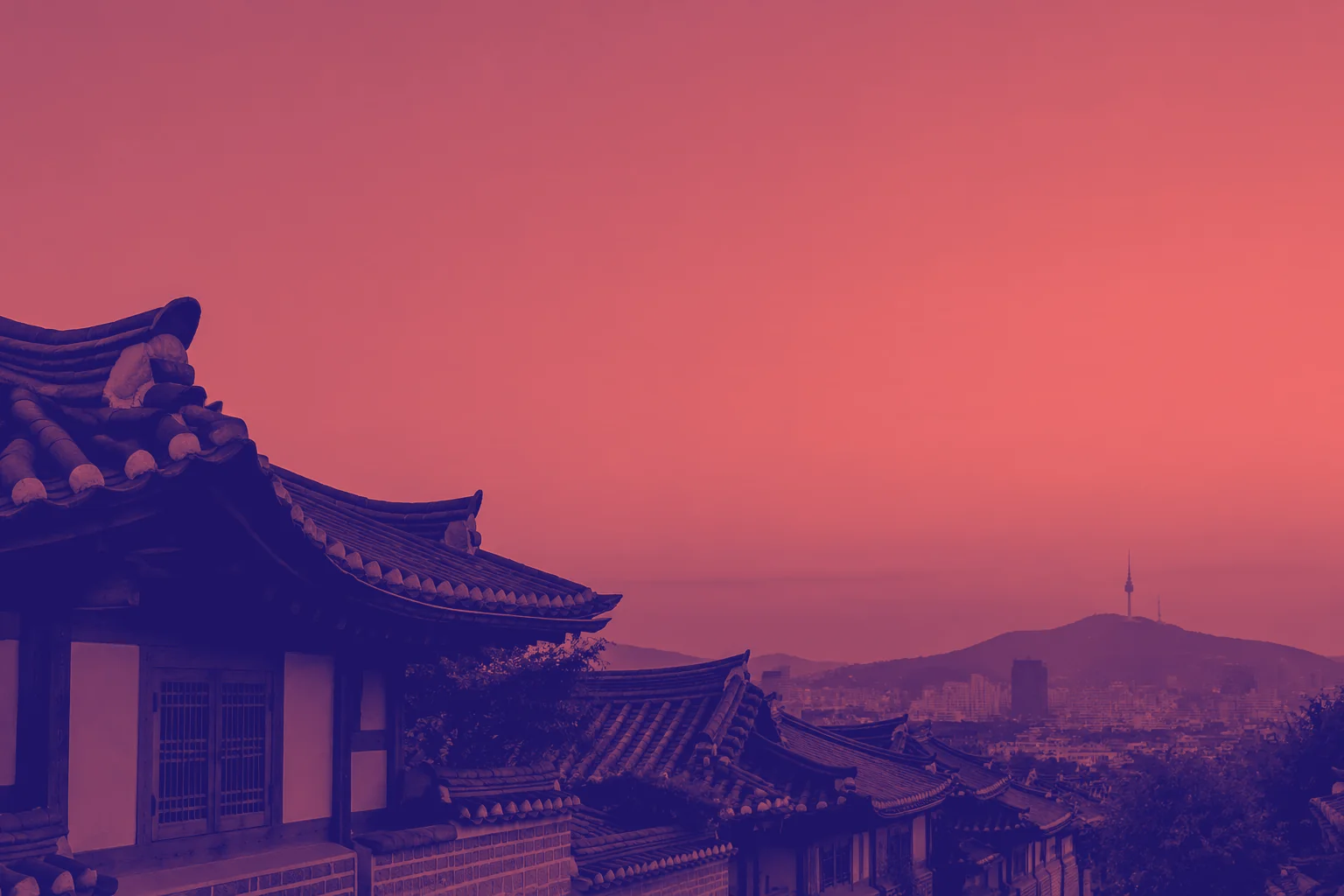
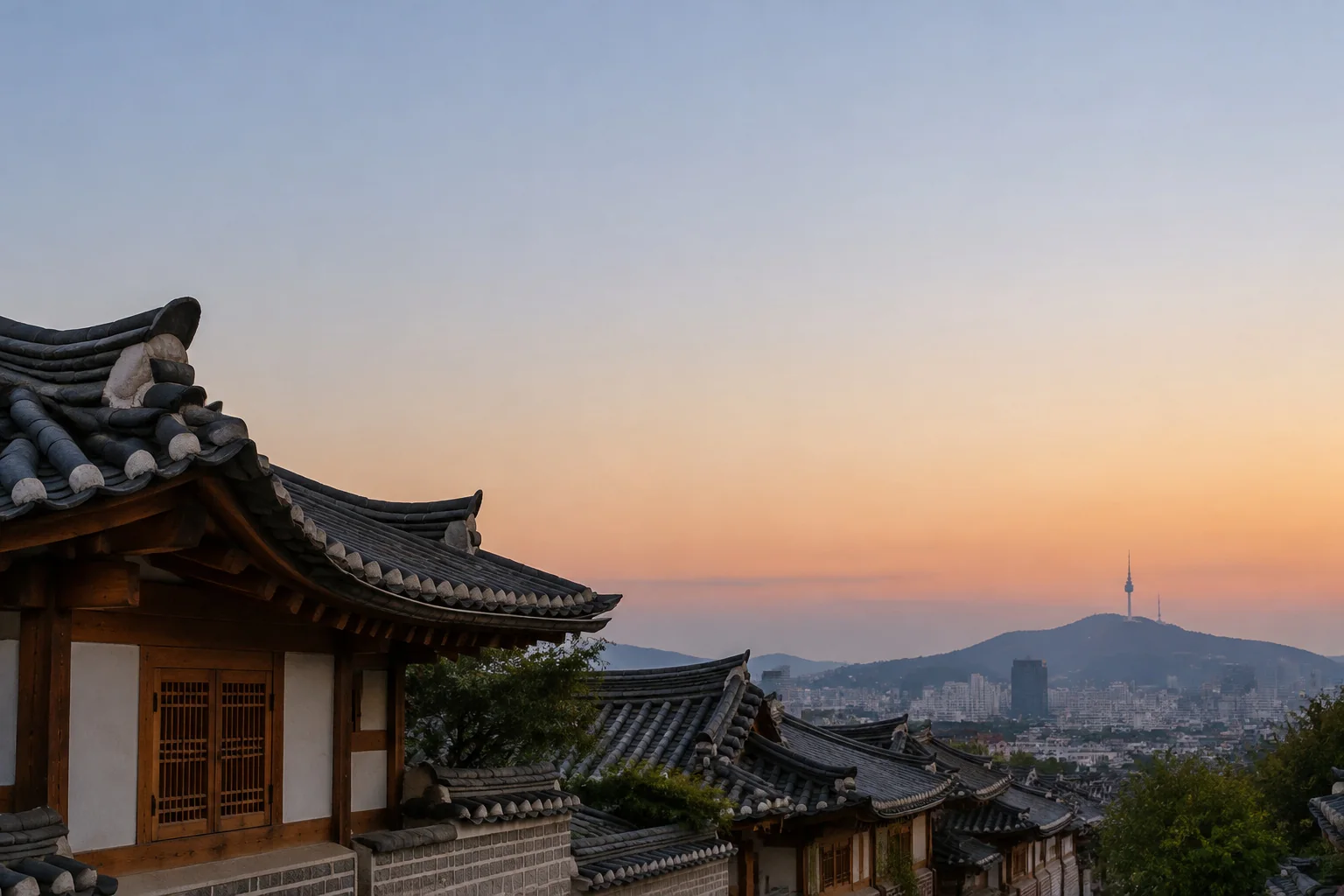 OriginalDuotone
image = LayerImage.from_file("bukchon-dusk.jpg")
image.grayscale().contrast(1.2)
image.curve("r", [0.12, 1.0])
image.curve("g", [0.08, 0.45])
image.curve("b", [0.4, 0.42])Docs
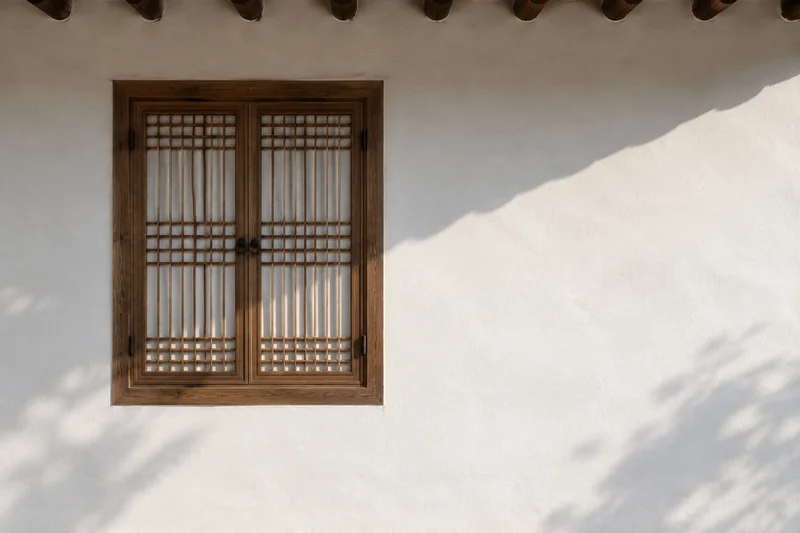
The docs site is generated by a script that runs every snippet verbatim to render its image.
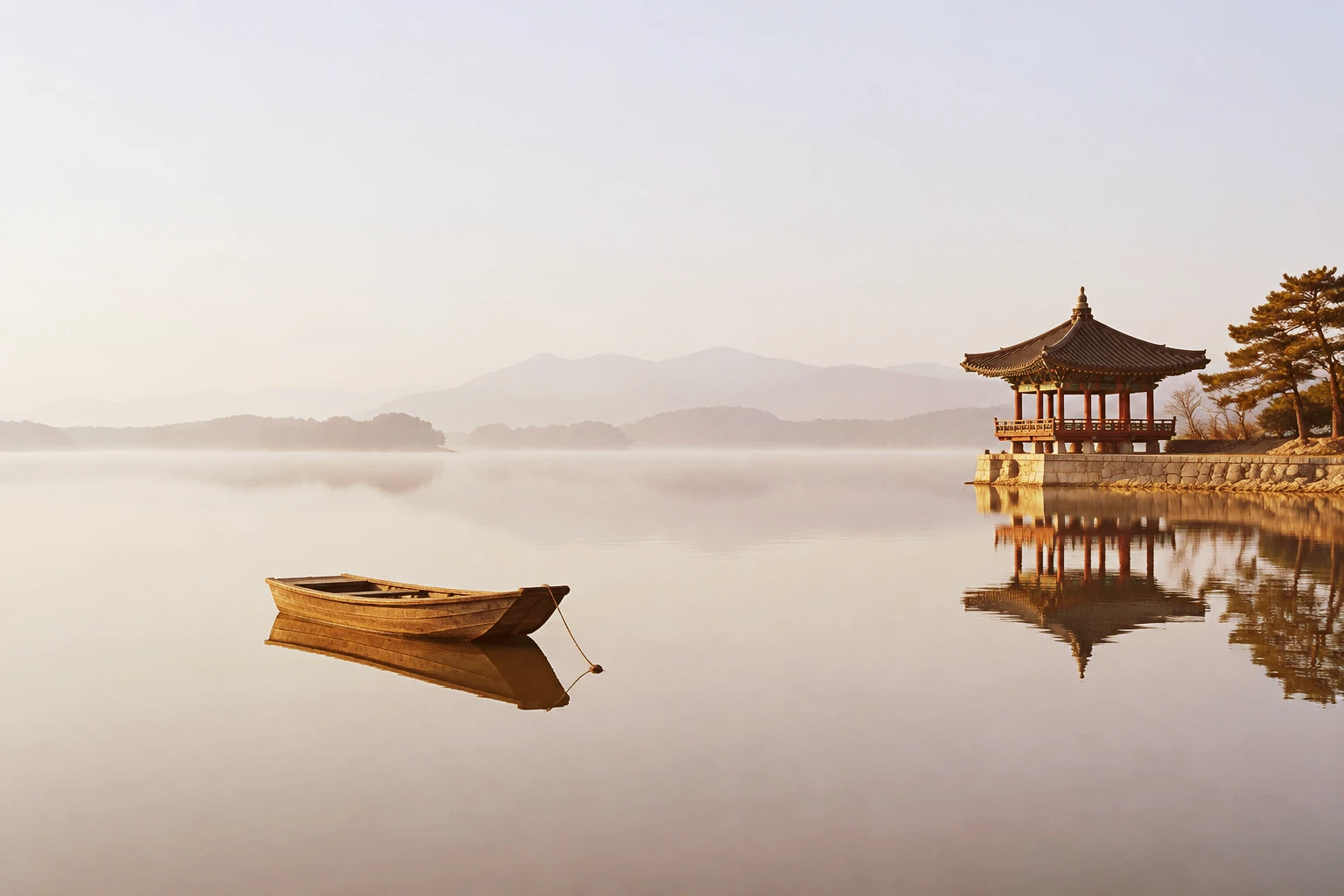
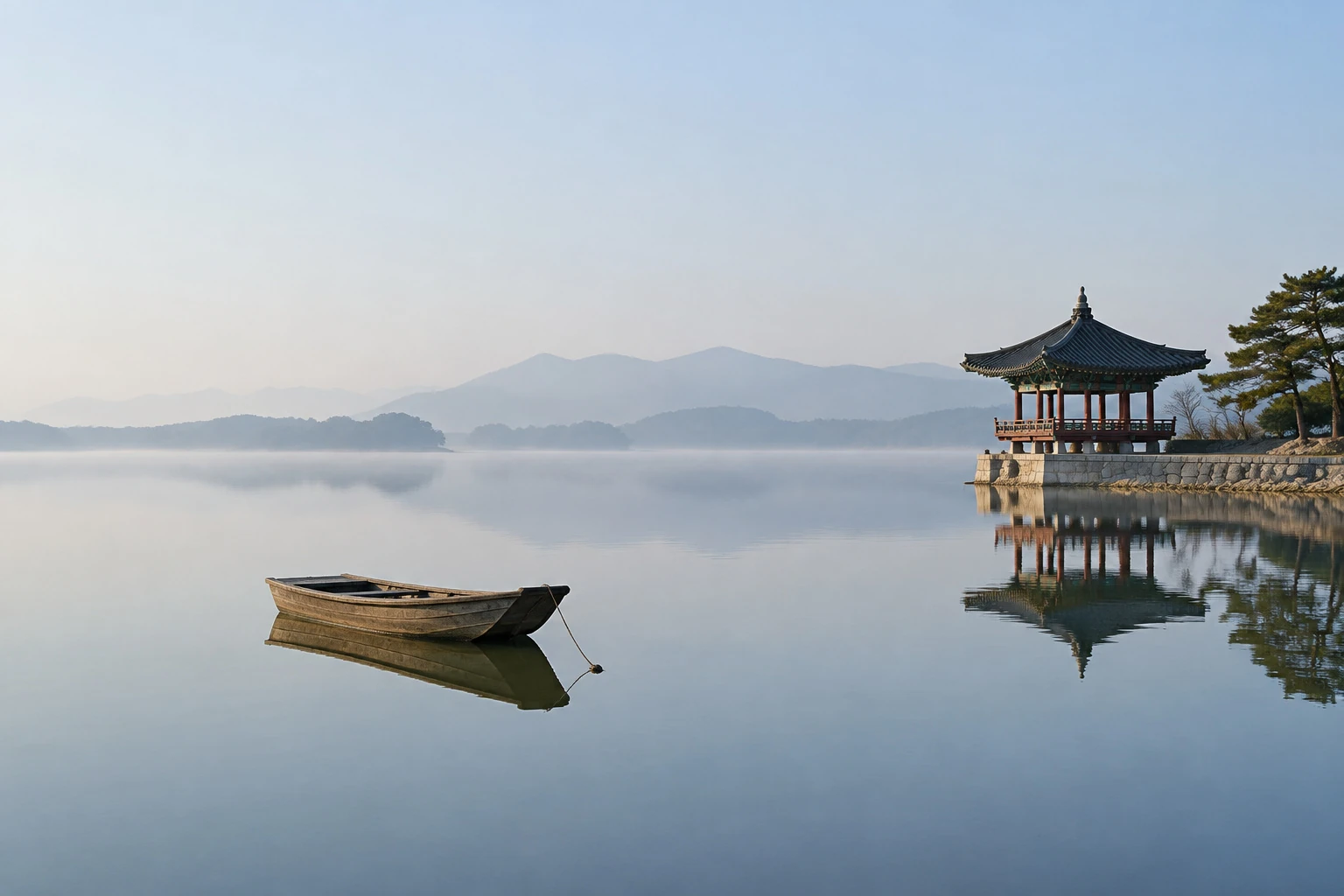 OriginalGolden glow
image = LayerImage.from_file("lake-pavilion.jpg")
(image.screen("#3a1800", opacity=0.7)
.overlay("#ff9d3b", opacity=0.25)
.curve("rgb", [0, 0.18, 0.5, 0.82, 1]))History
Layer.is won 2nd place in the general division of the 2019 Open Source Software Developer Competition, among over 100 teams.